Guides
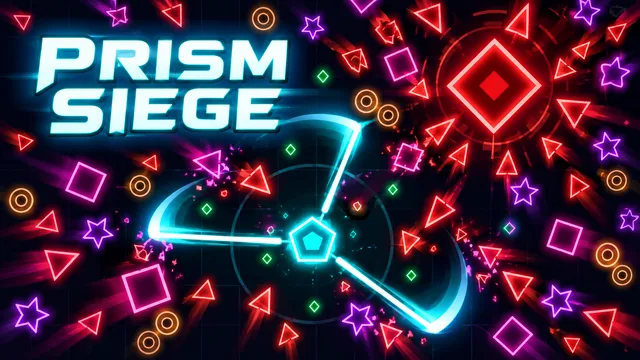
Prism Siege: movement first, upgrades next
Find your footing in Zarocer’s geometric survival game. Learn the controls, build useful upgrade combinations and resume your run.
October 8, 2026 · ZarocerRead guide
Learn how errors affect Typing Speed Race scores, read characters per minute correctly and compare practice attempts under consistent conditions.
By Zarocer · October 12, 2026 · 6 min read
Typing Speed Race measures speed in characters per minute, not words per minute. That detail changes the meaning of the number on screen. A result of 200 characters per minute is not 200 words per minute. Letters, spaces and punctuation are part of the passage, and the highlighted character tells you what the game expects next. Read that character rather than rushing ahead from memory. A fast series of wrong key presses does not advance the text and can lower your final score.
This is a short browser game, not a certified typing assessment. Its race lasts sixty seconds and uses a fixed English passage. Repeated attempts can teach you that passage as well as expose typing habits. When you compare sessions, keep those effects separate. Becoming familiar with a particular sentence can help your game result without proving that you type every unfamiliar document faster. Use the result as feedback about this task, then choose practice material deliberately if you want to work on another language or punctuation pattern.
Points equal correct characters minus twice the errors, with a minimum of zero. Suppose one attempt records 120 correct characters and eight errors. Its score is 104. Another attempt with 110 correct characters and only two errors scores 106. The second player advances less text but earns more points. These numbers are a worked example of the published scoring rule, not observed user data. They explain why chasing the highest apparent speed can be a poor way to improve this game's final result.
An error also breaks the streak, and it does not advance the passage. After an incorrect key, the next target remains the same. Resist the urge to keep typing the rest of the word as if the game had accepted the mistake. Stop, inspect the highlighted character and resume from that point. Backspace does not undo attempts here, so familiar editing habits do not repair the score. The game records what you pressed. Understanding that interaction prevents a single missed symbol from turning into a longer sequence of errors.
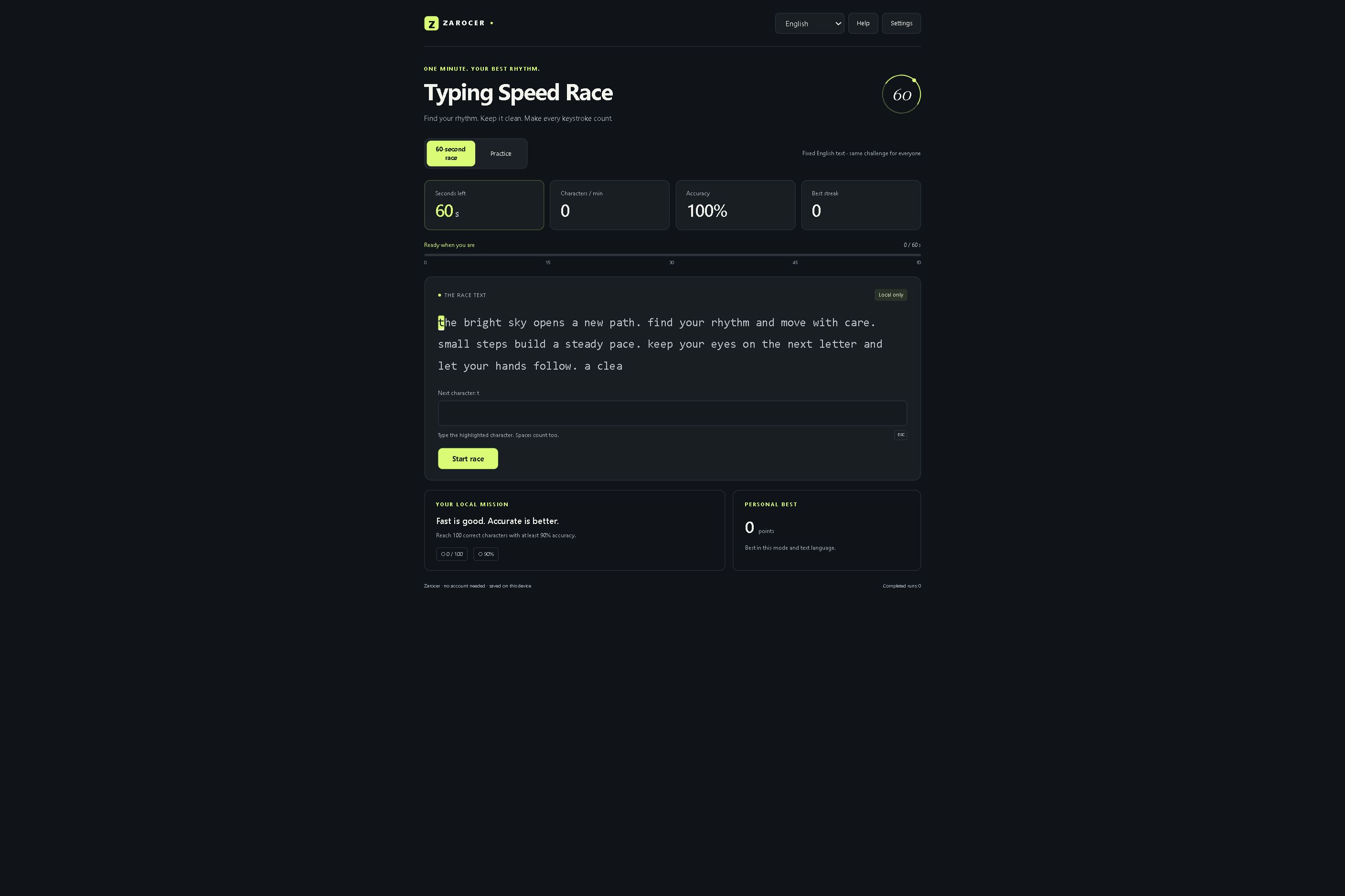
Start one race at a pace you can maintain without tension. Do not change keyboard, display size and typing speed all at once. Record the correct-character count, errors and final score if you want to compare another attempt. That small set is more informative than remembering only your best number. One result can vary because of distraction, passage familiarity or a missed punctuation mark. Look for a recurring pattern across comparable sessions, rather than declaring a new personal standard after an unusually good minute.
The local mission asks for 100 correct characters with at least ninety percent accuracy. Those are this game's targets, not universal typing standards. You can use them to choose a manageable next step: reduce errors while holding the correct-character count steady, or add a little speed after accuracy becomes comfortable. Avoid turning the mission into a reason to play through discomfort. A short break and a relaxed posture can be more useful than another rushed restart when your hands or attention are already tired.
Many errors happen between words rather than inside them. A space is still a required character. A comma, apostrophe or full stop can interrupt an otherwise comfortable rhythm. Before beginning, glance at the passage's punctuation and capital letters so they are not completely unexpected. During play, follow the current highlight. Looking one or two characters ahead can support rhythm, but looking too far ahead invites you to type a word that the cursor has not reached yet.
If one punctuation pattern keeps causing trouble, practise that pattern instead of merely repeating the entire race faster. You might focus on pausing briefly before a capital letter or finding a particular symbol without looking away for long. These are personal practice suggestions, not measured training outcomes. The important comparison is whether the same error recurs in your next attempt. A cleaner handling of one troublesome character can have a visible effect on the game's score because each avoided mistake removes a two-point penalty.
The race uses the same English passage regardless of interface language. Practice offers texts in eleven languages, with local records separated by text language. Changing a translated menu therefore does not change the race into a French, Spanish or German race. Choose the text language deliberately in practice, especially when accents or keyboard layout differ. A result from one language should not be ranked casually against another passage with a different distribution of letters and punctuation.
Check how your physical keyboard produces the characters the selected text requires. The game asks for the highlighted character, including accents. If your input method cannot produce it conveniently, a different practice language or keyboard configuration may be the sensible choice. Do not assume that a phone's predictive keyboard and a desktop keyboard create equivalent tests. They are different input environments. Compare your own attempts within one setup before using numbers from another device as evidence that your typing skill changed.
Options include larger passage text, reduced motion and gentle sound effects. Use them according to your needs. Larger text can make the active character easier to identify, while reduced motion can lessen distraction. Sound is optional; it is not required to complete the passage. These controls change how you receive feedback, not the spelling of the text or the scoring formula. Choose a comfortable setup before you start a comparison so that the display itself is not another uncontrolled variable.
The timer starts with your first input. Take a moment to read the instructions and place your hands before entering a character. Escape pauses the game. A paused or restored attempt can continue as a local result, so a break is available without pretending that the attempt remained uninterrupted. If you want to compare ordinary sixty-second races, keep that distinction visible. Restoring progress is useful functionality, but it should not be confused with starting a fresh timed attempt under the same conditions.
After a race, identify one concrete cause of errors. Did you outrun the highlight, miss spaces, struggle with a symbol or lose your position after the first mistake? Select the next session to address that cause. Slow down slightly through the troublesome sequence while preserving a comfortable rhythm elsewhere. A goal such as fewer repeated punctuation errors is more actionable than a vague instruction to type better. Evaluate it against the result rather than assuming that extra time spent playing guarantees improvement.
Settings, active games and personal records stay on the device where browser storage is available. Keep the same browser and Zarocer domain when returning, and do not expect a local best to follow you automatically to another device. The game is useful for a focused minute of practice and feedback. For a break from key accuracy, try Letter Hive's untimed word search or Word Quartets' concept groups. Each asks for a different kind of attention, so choose the activity rather than treating every score as one shared measure.
Open Typing Speed Race and its current controls
Find your footing in Zarocer’s geometric survival game. Learn the controls, build useful upgrade combinations and resume your run.
October 8, 2026 · ZarocerRead guide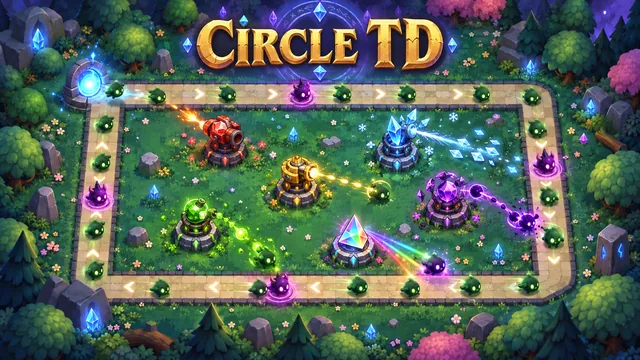
A practical first stop before defending the Circle: explore the native guide, choose your mode and return to a saved match.
October 8, 2026 · ZarocerRead guideUnderstand what a favorite saves, how Continue Playing works and why game progress stays with your browser.
October 8, 2026 · ZarocerRead guideUse the game’s supported devices, touch controls and screen orientation to make your next mobile session more comfortable.
October 8, 2026 · ZarocerRead guide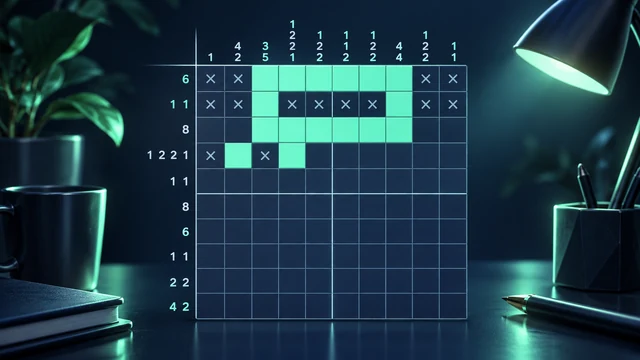
Compare Nonogram Atelier, Hitori and Futoshiki through worked deductions, real controls and different rules. Choose your next logic puzzle on Zarocer.
October 11, 2026 · ZarocerRead guide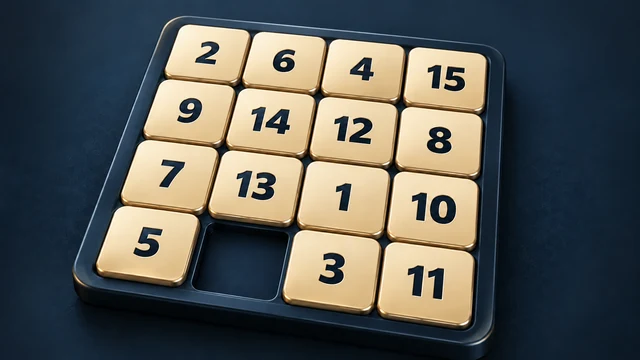
Plan the gap, protect solved rows and handle the final tile pairs in Zarocer’s 15 Puzzle. A practical sliding-puzzle strategy with a real board capture.
October 11, 2026 · ZarocerRead guideRead Circle TD’s closed circuit, surviving enemies and upcoming waves. Learn how to evaluate tower coverage, targeting and upgrade decisions.
October 11, 2026 · ZarocerRead guide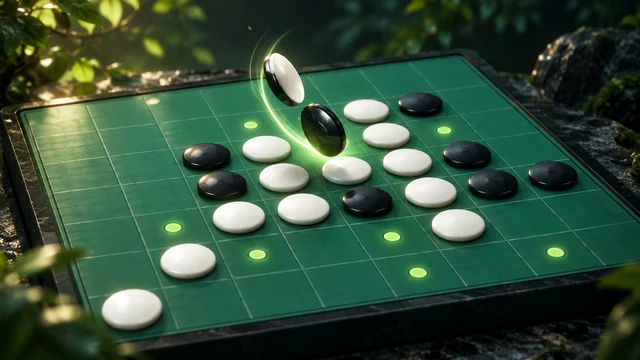
Look beyond the biggest flip in Reversi. Understand corners, mobility, frontier discs and endgame decisions with the playable Zarocer version.
October 11, 2026 · ZarocerRead guide
Practise Target Archery by separating wind correction from draw timing. Use the repeatable tournament, read both wind axes and compare your shots.
October 11, 2026 · ZarocerRead guide
Search the center letter, understand the seven-letter bonus and use the curated answer list in Zarocer Letter Hive. Includes practical examples.
October 12, 2026 · ZarocerRead guide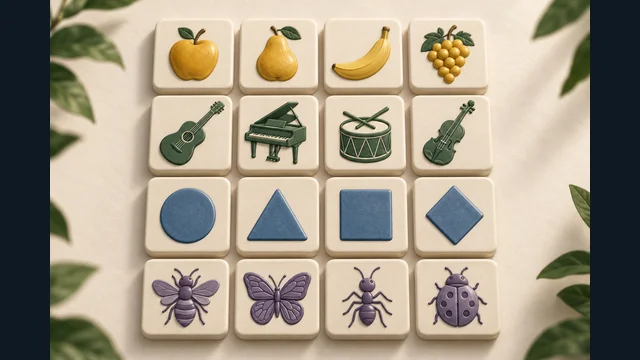
Find precise families in Word Quartets, check overlapping concepts and interpret near-miss feedback without wasting your four mistakes.
October 12, 2026 · ZarocerRead guide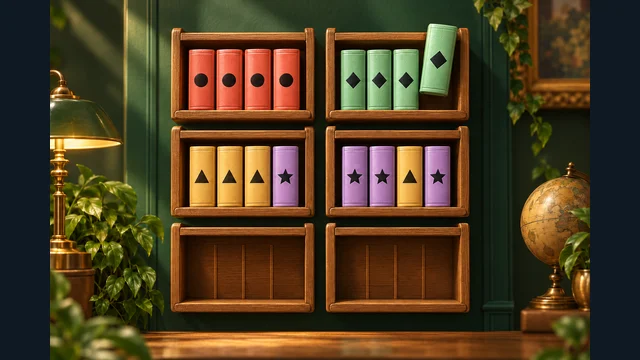
Plan legal book transfers in Shelf Sorting. Read exposed symbols, protect working space and use a concrete sequence to uncover a new empty shelf.
October 12, 2026 · ZarocerRead guide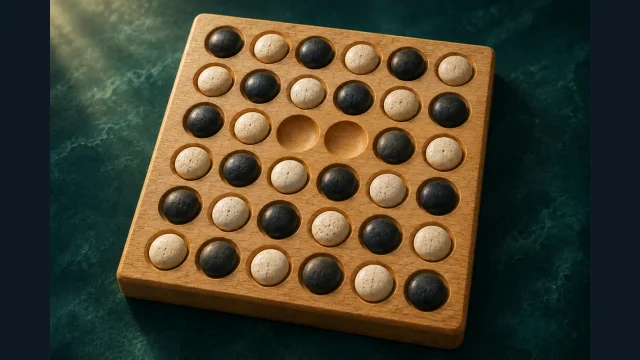
Learn the opening removals, straight capture chains and legal landing spaces in Zarocer’s 6×6 Kōnane. Plan for your next jump, not a capture score.
October 12, 2026 · ZarocerRead guide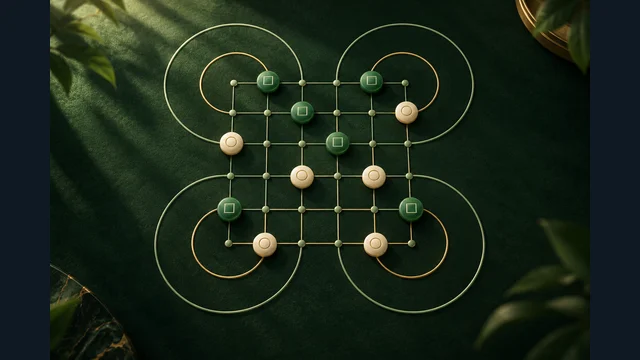
Trace legal loop captures in Zarocer Surakarta, identify blockers and compare landing positions. Includes Beta status and digital-rule boundaries.
October 12, 2026 · ZarocerRead guide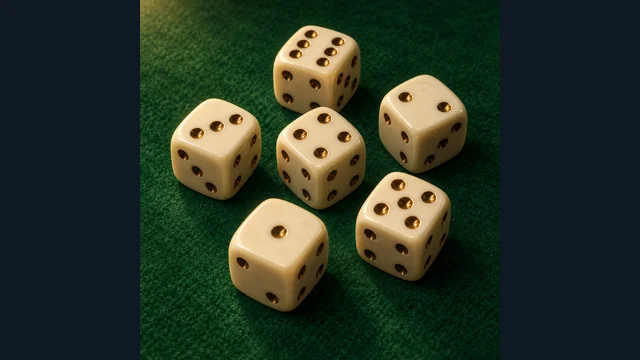
Understand banking, hot dice and one-die risk in Zarocer’s solo Farkle: ten turns, a 5,000-point goal and no straight or pair bonuses.
October 12, 2026 · ZarocerRead guide