Guides
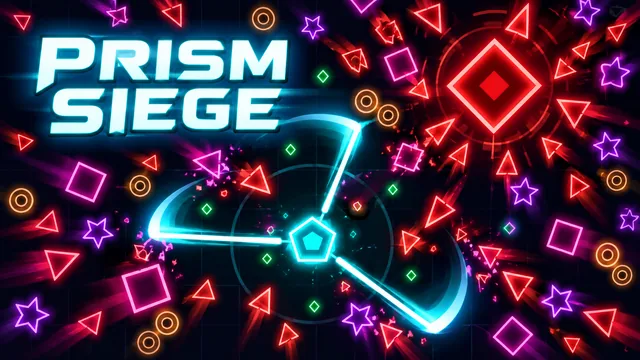
Prism Siege: movement first, upgrades next
Find your footing in Zarocer’s geometric survival game. Learn the controls, build useful upgrade combinations and resume your run.
October 8, 2026 · ZarocerRead guide
A practical first stop before defending the Circle: explore the native guide, choose your mode and return to a saved match.
By Zarocer · October 8, 2026 · 2 min read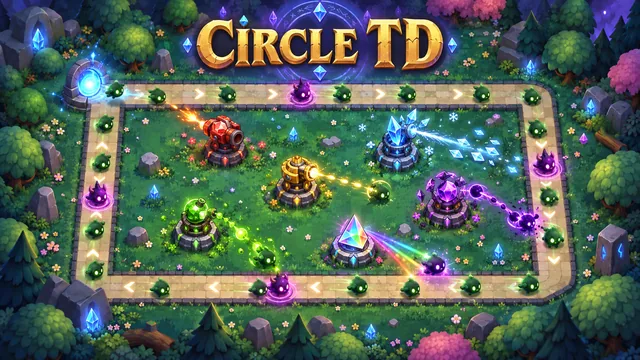
Circle TD opens with a menu that includes Campaign, Classic match, Infinite Challenge and Daily Challenge. It also has a Guide and Options. Read the native guide before committing to a longer defense; it explains the systems in the version you are actually playing.
The main menu describes a campaign of 12 chapters and a classic defense of 60 rounds. Infinite Challenge continues without a fixed ending. Pick the mode that suits the time you have rather than rushing into every option at once.
During a match, the interface previews upcoming enemies and their traits. Use that information before calling another round. The tower list includes different roles, and the game’s panels also expose reinforcements and relics.
The desktop controls shown in the match include number keys for towers, U for upgrading, T for targeting, Q/W/E for abilities, N to call a round, F for speed, Tab for the player and Space for pause. The on-screen controls remain the best reference when you switch devices.
When a saved match is available, the main menu displays Continue match. Choose it to resume instead of starting another match. Keep the same browser and Zarocer domain, and allow site storage.
Closing a game view and clearing browser data are different actions. Avoid clearing site data if you want to retain local progress. A favorite is a shortcut to a game, not a backup of its saved defense.
Find your footing in Zarocer’s geometric survival game. Learn the controls, build useful upgrade combinations and resume your run.
October 8, 2026 · ZarocerRead guideUnderstand what a favorite saves, how Continue Playing works and why game progress stays with your browser.
October 8, 2026 · ZarocerRead guideUse the game’s supported devices, touch controls and screen orientation to make your next mobile session more comfortable.
October 8, 2026 · ZarocerRead guide