Guides
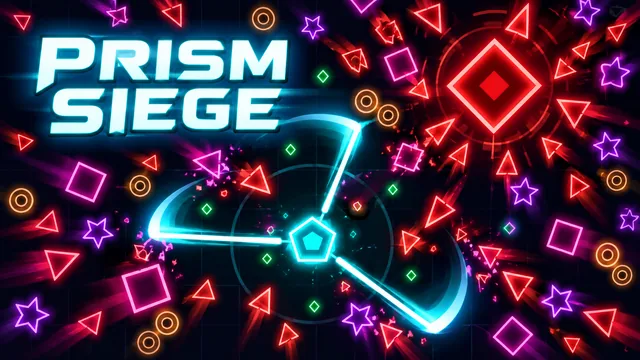
Prism Siege: movement first, upgrades next
Find your footing in Zarocer’s geometric survival game. Learn the controls, build useful upgrade combinations and resume your run.
October 8, 2026 · ZarocerRead guide
Use the game’s supported devices, touch controls and screen orientation to make your next mobile session more comfortable.
By Zarocer · October 8, 2026 · 1 min read
Each Zarocer game page lists its supported devices, controls and orientation. Those details are more useful than assuming that every browser game behaves identically on a phone. Choose a mobile-supported game and read its touch instructions before starting.
Press Play to open the game in the expanded player. This gives the game more room while keeping its existing controls. Use Exit to leave the expanded view. Your browser may still show its own address or navigation bars, depending on the device.
Changing the size of the player should not require starting a new match. Use the game’s pause controls when you need a break, and check its resume behavior before reloading.
Some games are easier to view in landscape, while others work in portrait or adapt to either orientation. Follow the orientation information on the game page. If a rotation suggestion appears, you can dismiss it and continue without rotating.
Bookmark a game to find it again quickly from the header or your local profile. For progress, use the game’s own saved-session options in the same browser. Favorites and game saves serve different purposes.
Find your footing in Zarocer’s geometric survival game. Learn the controls, build useful upgrade combinations and resume your run.
October 8, 2026 · ZarocerRead guideA practical first stop before defending the Circle: explore the native guide, choose your mode and return to a saved match.
October 8, 2026 · ZarocerRead guideUnderstand what a favorite saves, how Continue Playing works and why game progress stays with your browser.
October 8, 2026 · ZarocerRead guide