Reversi
- Developer
- Zarocer
- Published
- Oct 5, 2026
- Technology
- HTML5
- Devices
- PC, Mobile
- Orientation
- Adaptive
- Players
- 1–2
About the game
A browser adaptation by Zarocer.
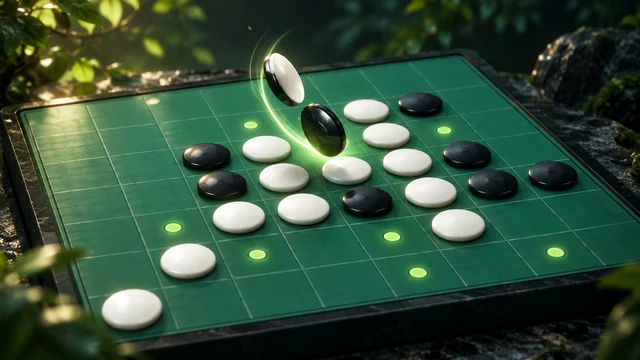
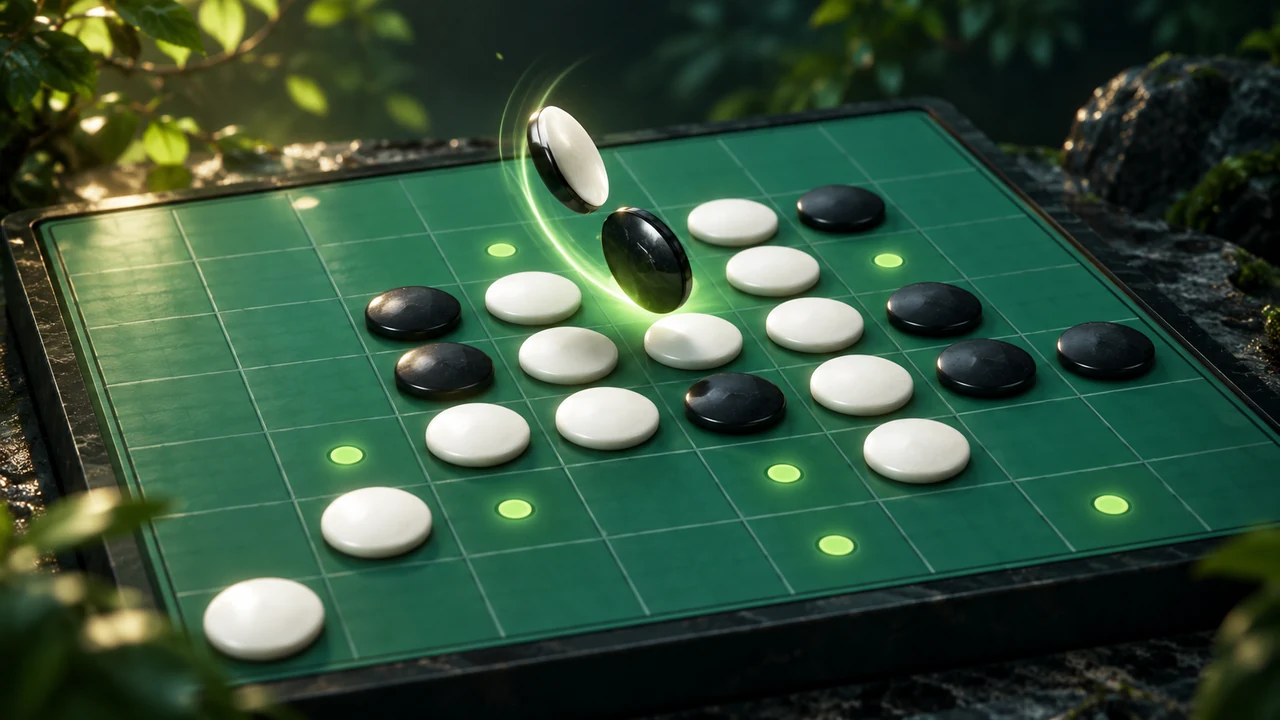
Surround opposing discs on an eight-by-eight board to flip them. Play against three AI levels or another player on this device; the player with more discs at the end wins.
Controls
Click or tap a highlighted board square to place a disc. Choose computer play or two players sharing this device with the native mode controls.
A legal move brackets a line of opposing discs
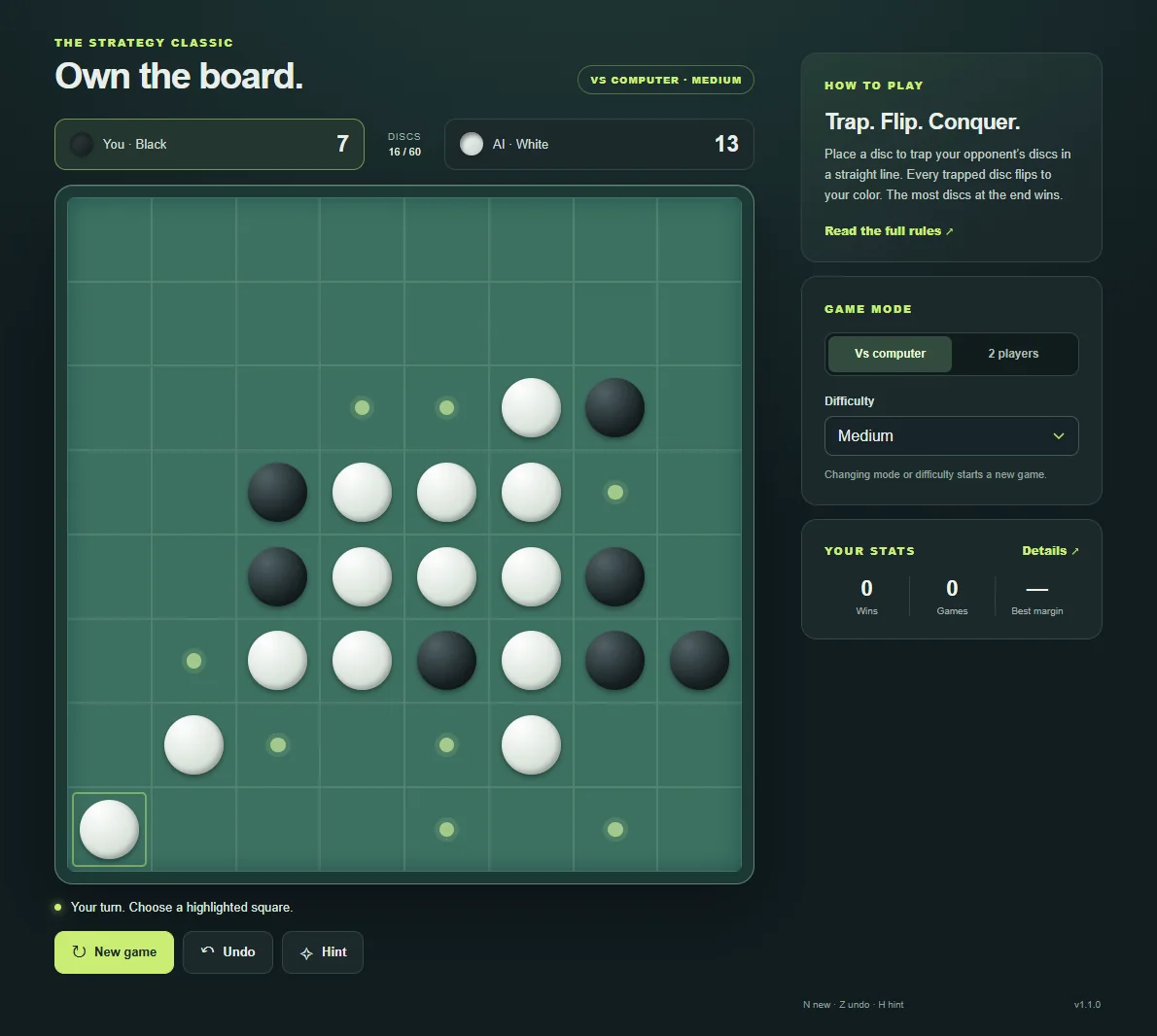
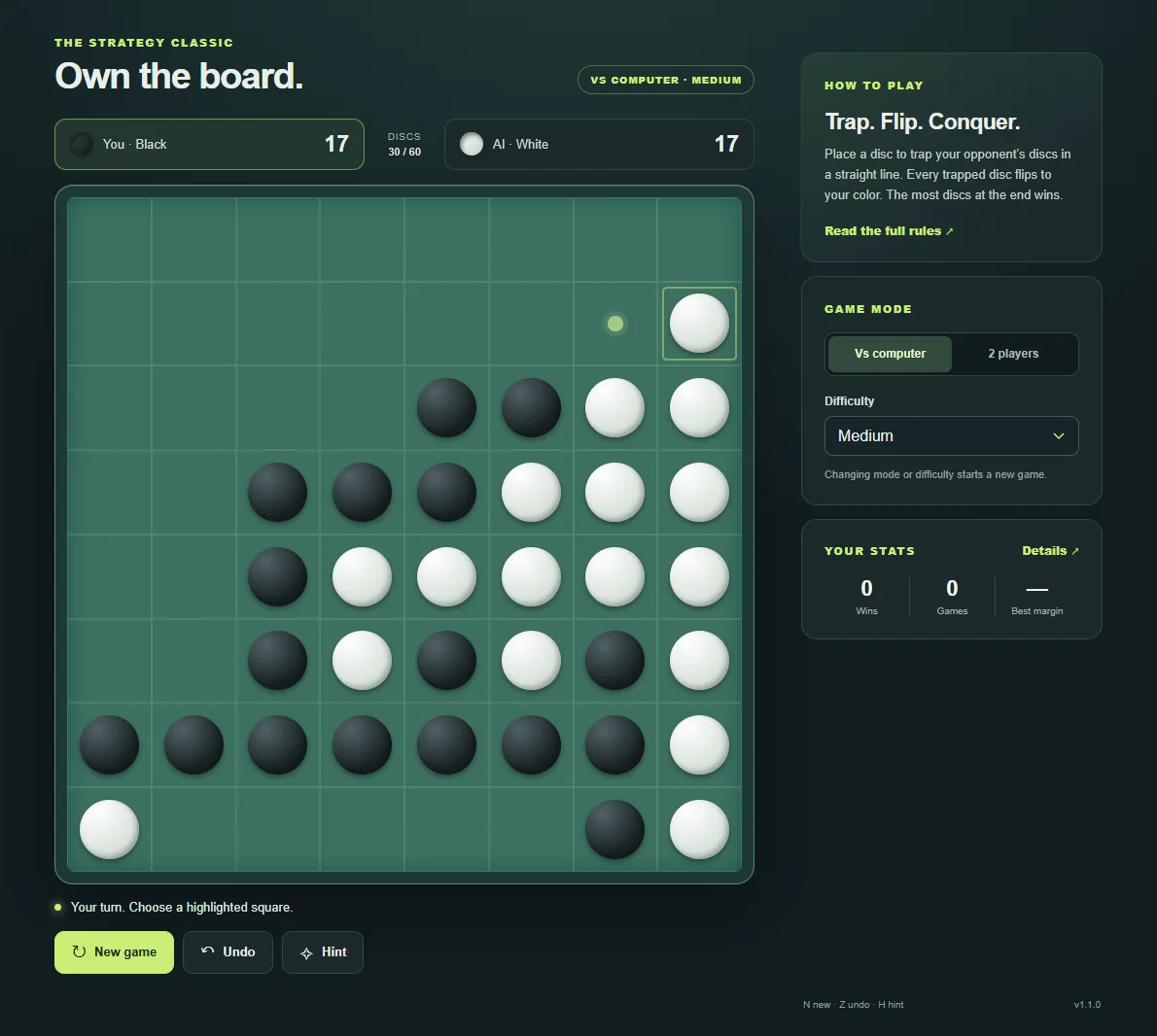
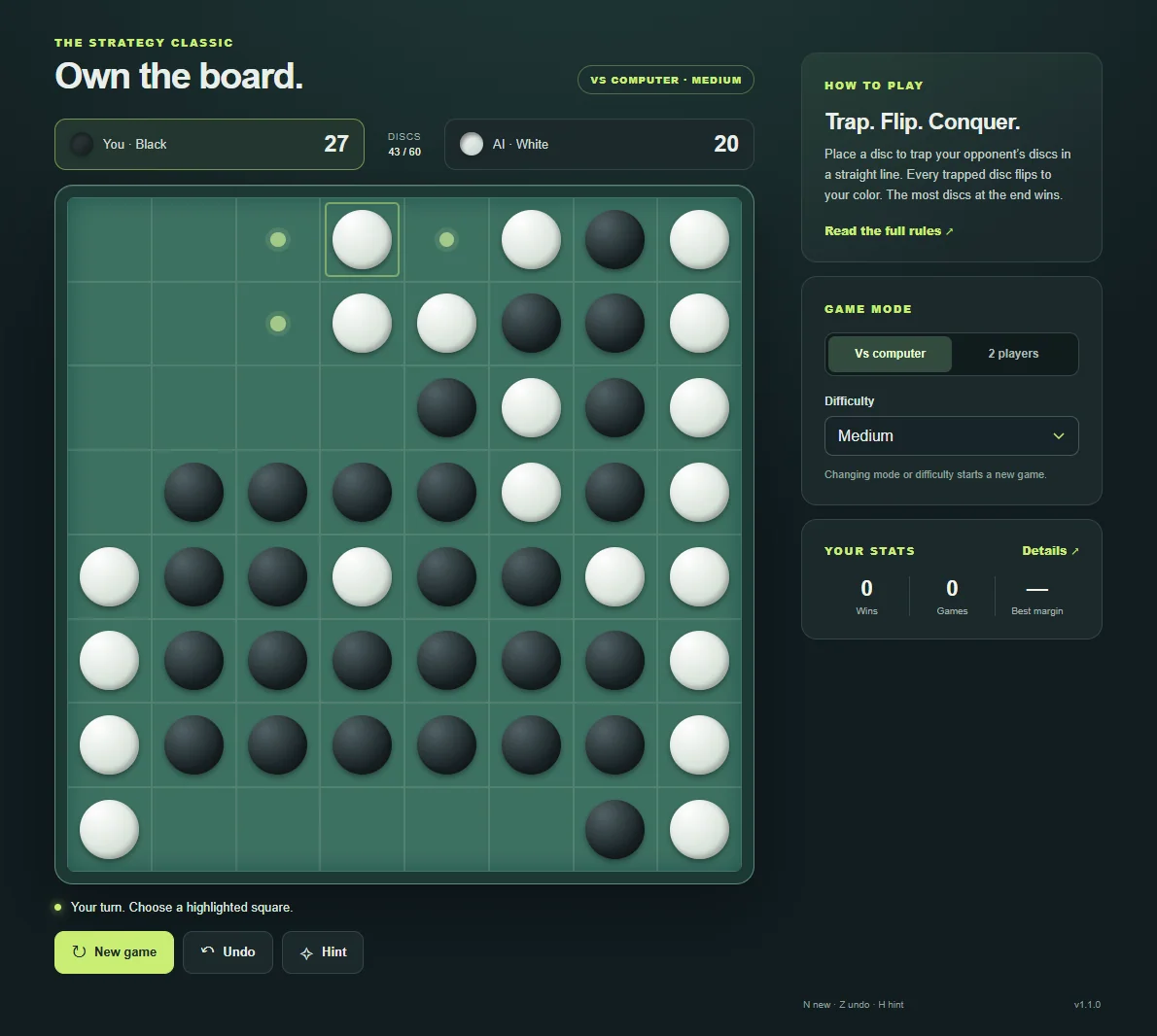
Place your disc on a highlighted empty square. At least one straight line, including a diagonal, must run through opposing discs to another disc of your own color. Every such bracketed line flips, not just one direction. Black moves first; local two-player mode then follows the active color shown by the game.
If one player has no legal move, the game passes that player’s turn. The round ends when neither side can move, which can happen before every square is filled. Count the final black and white discs to determine the result.
Consider stable corners before maximizing one flip
A corner cannot be bracketed beyond the edge of the board. Taking an available corner therefore has a different long-term value from flipping many central discs immediately. Before choosing a highlighted square, inspect which moves it could open for your opponent, especially beside an empty corner.
Play the computer at one of three levels or share the board locally. The highlighted moves enforce the same capture rule in both modes; a second person on the same device does not join an online match.
How to play
Choose a highlighted square to place a black disc. Your move must trap at least one white disc between the new disc and another black disc. Trapped discs flip. In two-player mode, take turns on the same device.
Modes and local progress
Flip the board in this classic strategy game. Face the computer at three difficulty levels or share a device with a friend. Legal moves are highlighted and your game saves automatically.
ZAROCER opens this build in English. Progress and records stay in this browser when storage is available. Use native continuation controls after reloading. Clearing site data can remove saves. Pause, Theater and Fullscreen preserve one game instance.
Explore this game’s guide
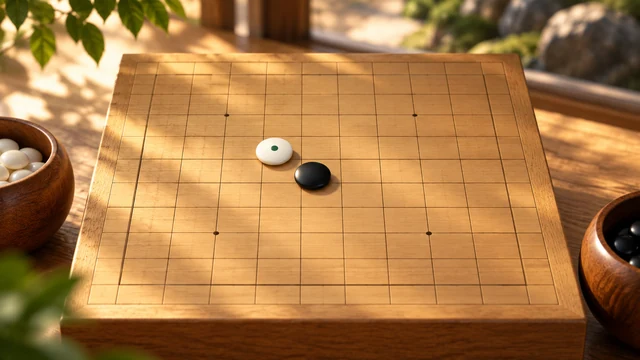
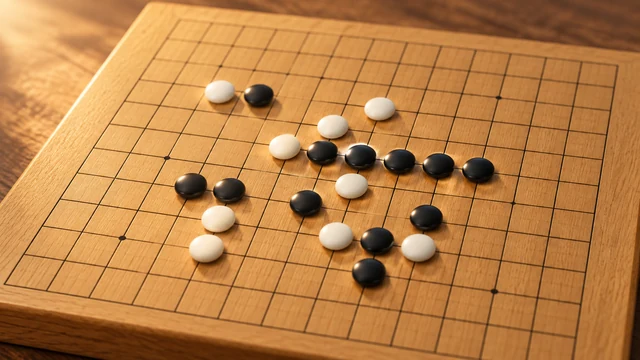
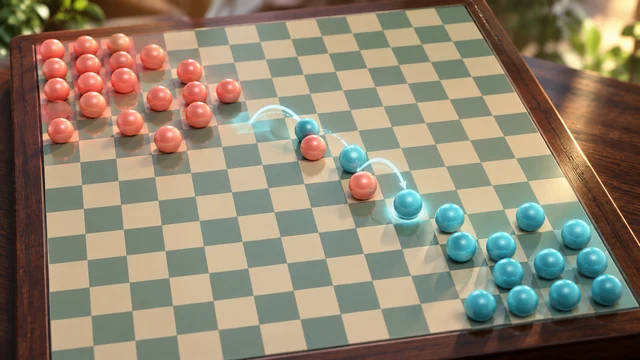
Reversi gameplay screenshots