About the game
A browser adaptation by Zarocer.
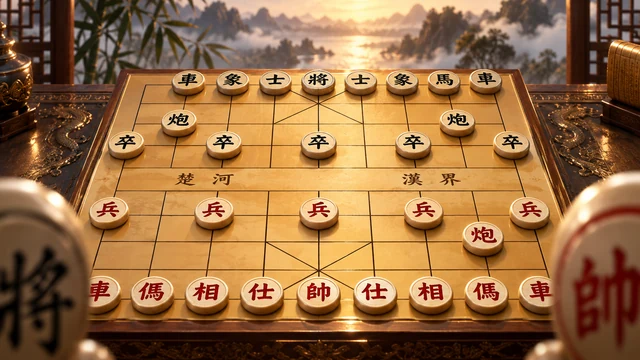
Play Chess in your browser against a lightweight computer opponent with three settings, or share the board with someone on the same device. The build handles legal moves, castling, en passant, promotion, check, checkmate and stalemate. A daily mate-in-one challenge adds a short puzzle. The computer is designed for casual play, not competitive analysis.
Controls
Click or tap a piece, then a highlighted square. Tab to focus the board, arrows to move focus, Enter or Space to select, and Escape to clear selection.
Checkmate and stalemate have different outcomes
Checkmate ends the game when the king is attacked and the player has no legal response. The king is not captured like another piece. Stalemate also leaves no legal move, but the king is not in check; this build records a draw rather than a win for the attacking player.
The native rules also recognize repeated positions, the fifty-move condition and several insufficient-material endings. These are part of this edition’s automatic result handling, not a claim that the casual computer is a tournament analysis engine.
Use the highlighted moves to learn a legal position
Selecting a piece shows legal destinations rather than every square it could reach geometrically. A pinned piece may have fewer choices because moving it would expose your king. Before attacking another piece, check whether your own king is safe and whether the target square is defended.
Promotion offers a piece choice when a pawn reaches the far rank. Castling is unavailable through an attacked square or while the king is in check. Use the daily mate-in-one puzzle for a single tactical decision, or local two-player mode for an entire shared-device game.
How to play
Choose a computer game or local two-player game. Select a piece, then a highlighted destination. Take turns as White and Black, keep your king safe, and aim for checkmate. When a pawn reaches the last rank, choose its promotion piece.
Modes and local progress
ZAROCER opens this build in English. Progress and records stay in this browser when storage is available. Use native continuation controls after reloading. Clearing site data can remove saves. Pause, Theater and Fullscreen preserve one game instance.
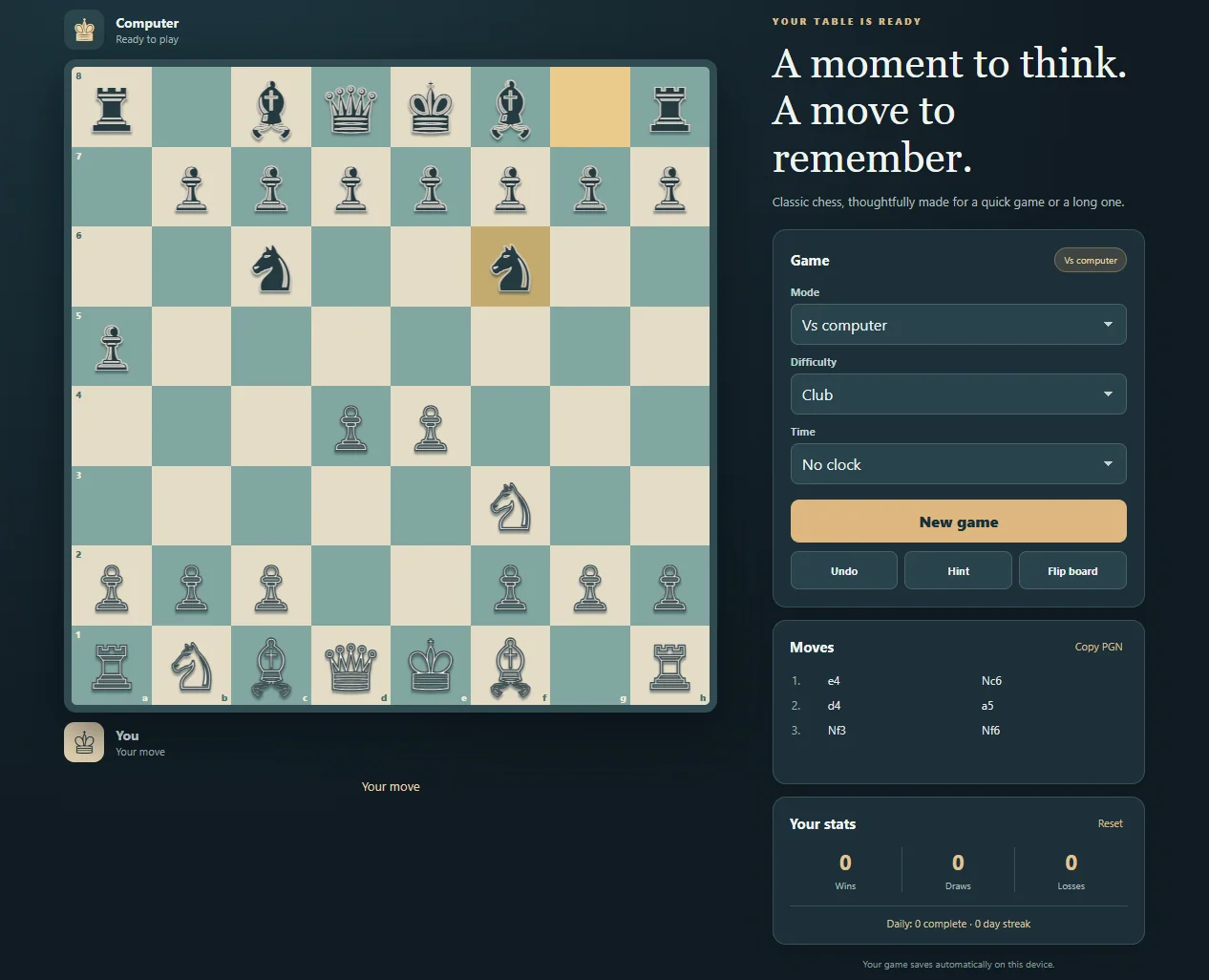
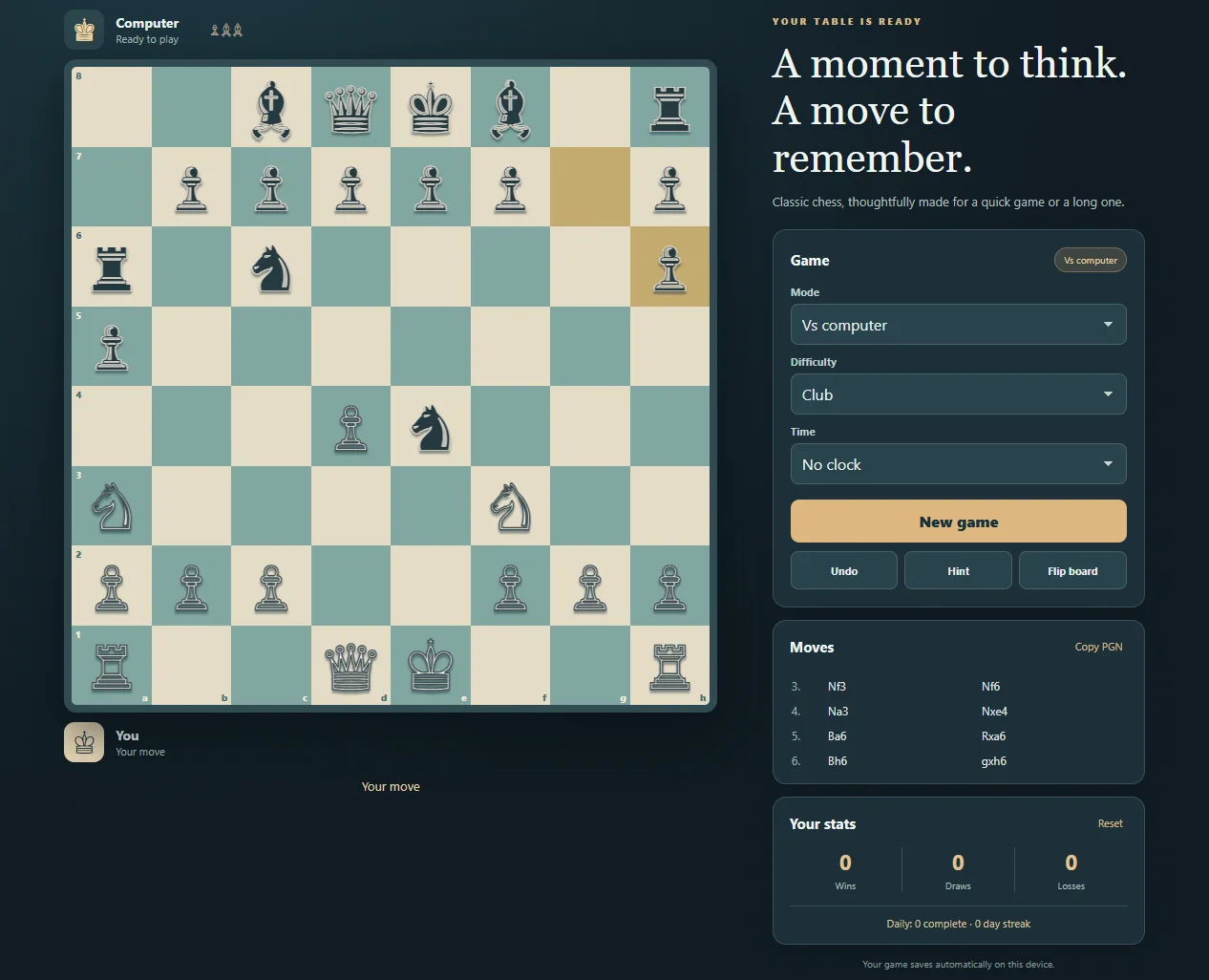
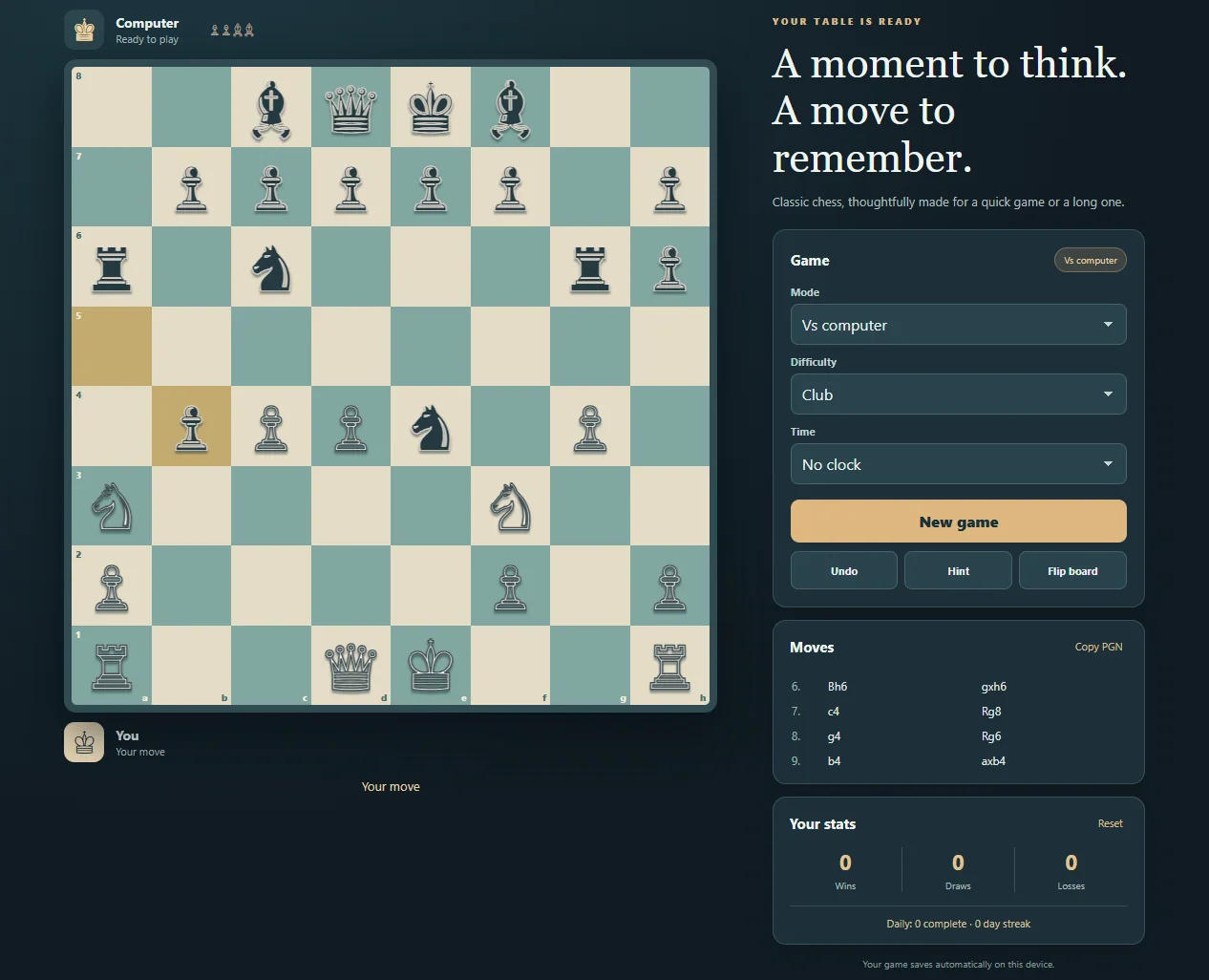
Chess gameplay screenshots