
About the game
A browser adaptation by Zarocer.
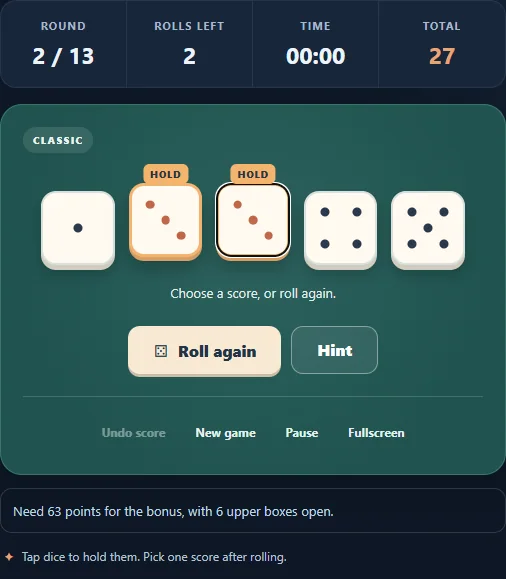
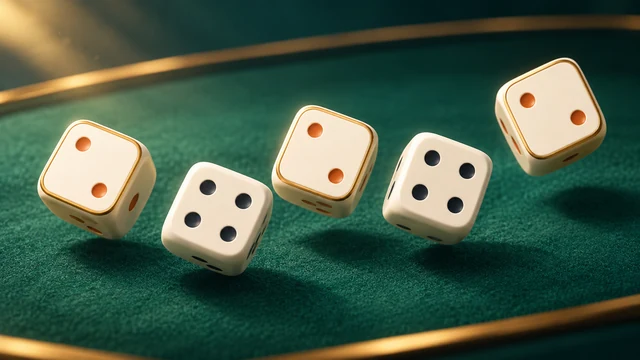
Play thirteen rounds with five dice. Use up to three rolls per turn to hold promising combinations, fill your scorecard, and chase a higher total.
Controls
Press Roll Dice to start a turn. Click dice to hold them. Choose an open scoring category. Tab and Enter/Space activate buttons; P pauses.
Choose the score before committing a category
A category is used once, even when the dice score zero there. You may stop after an early roll instead of using all three rolls. Holding a promising pair gives you a different next decision from holding a partial straight: compare the open categories before choosing which dice to reroll.
For example, 2, 2, 2, 5, 6 scores six in Twos or seventeen in Three of a kind. Chance also scores the total of all five dice. The higher immediate number does not automatically make the better choice if you still need to develop the upper section.
Understand this scorecard’s bonuses
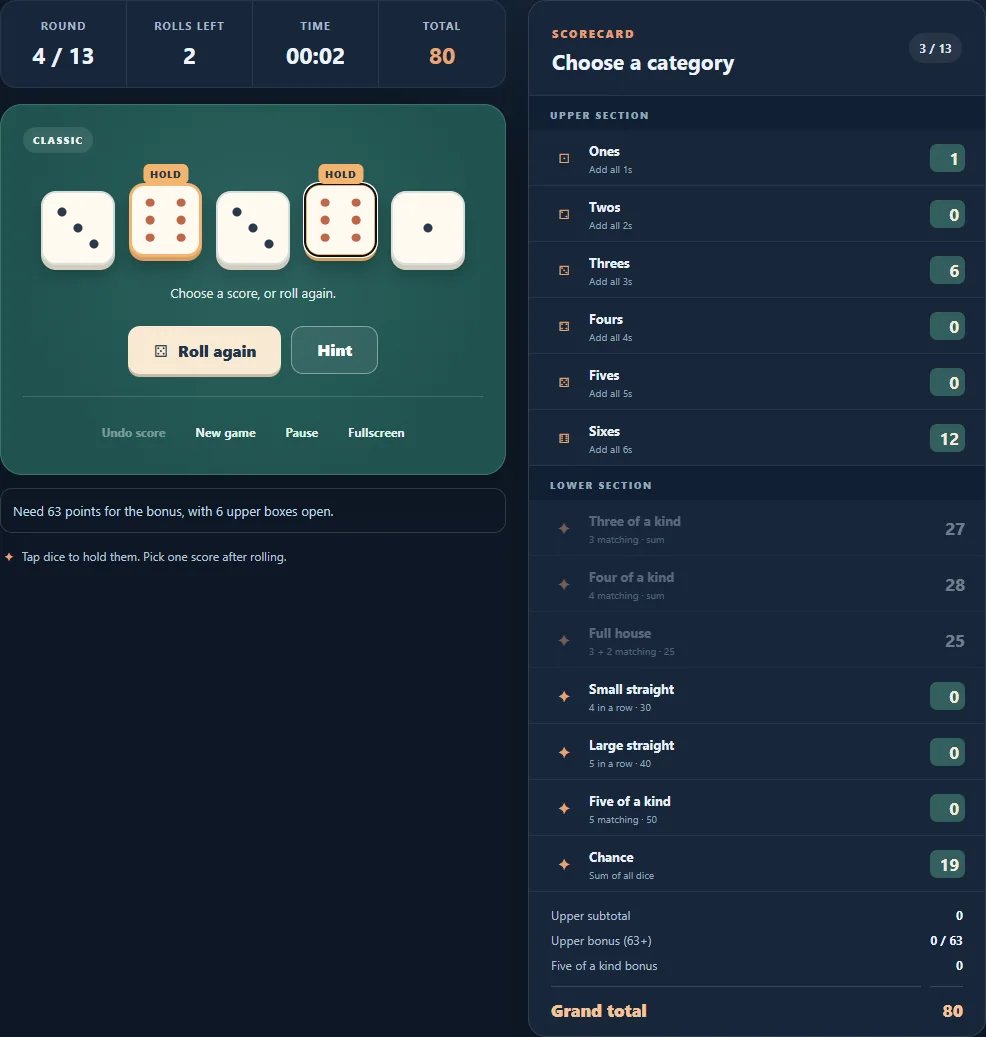
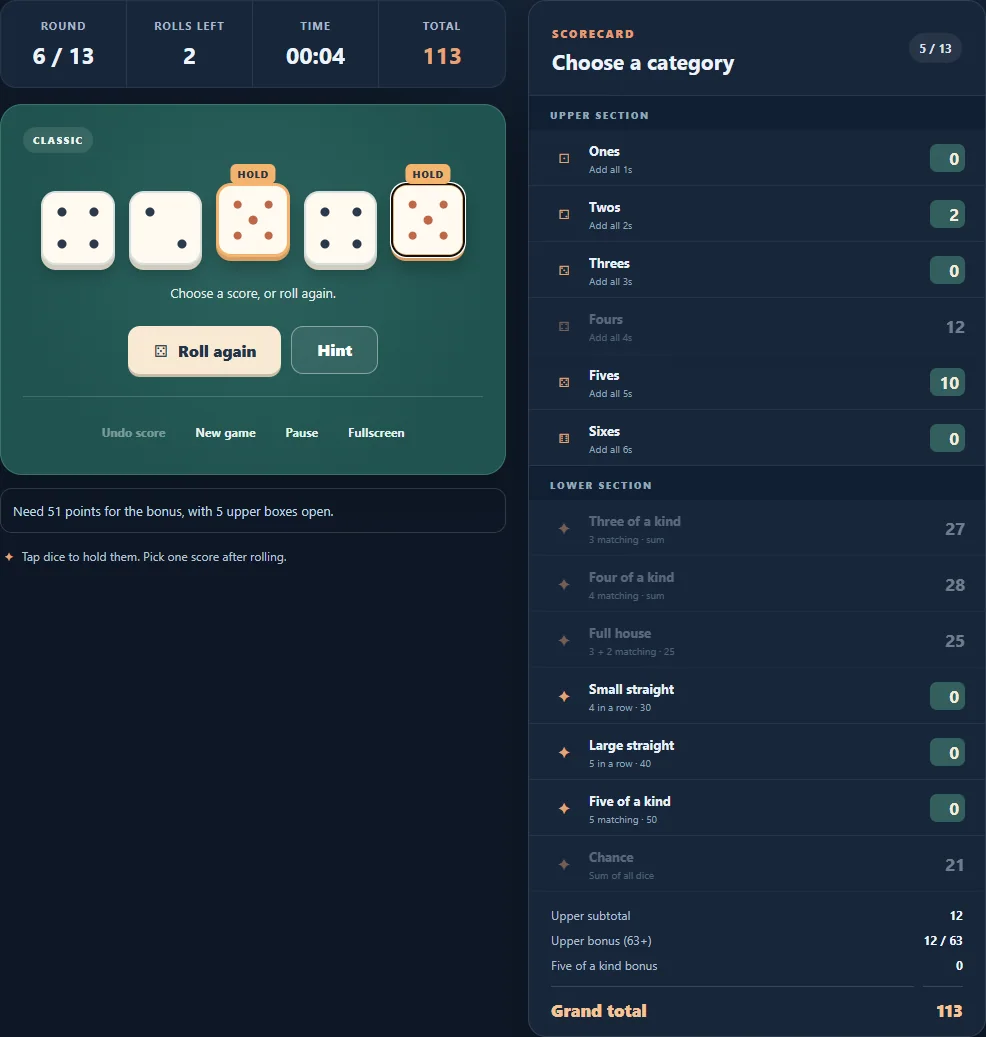
The six upper categories count only dice of their named number. Reaching sixty-three upper points earns a thirty-five-point bonus. A full house normally needs a group of three and a pair and scores twenty-five; a small straight needs four consecutive distinct values and scores thirty, while a large straight scores forty.
Five of a kind scores fifty in its own category. Further five-of-a-kind rolls have special placement rules, and the hundred-point repeat bonus requires the first five-of-a-kind entry to be fifty. Use the available scorecard choices rather than assuming a repeat can be placed in any category.
How to play
Roll five dice up to three times per round. Hold the dice you like, then record your score in one of thirteen available categories. Each category can be used once.
Modes and local progress
ZAROCER opens this build in English. Progress and records stay in this browser when storage is available. Use native continuation controls after reloading. Clearing site data can remove saves. Pause, Theater and Fullscreen preserve one game instance.
Five Dice gameplay screenshots