Nonogram Atelier
- Developer
- Zarocer
- Published
- Oct 5, 2026
- Updated
- Oct 12, 2026
- Technology
- HTML5
- Devices
- PC, Mobile
- Orientation
- Adaptive
- Players
- 1
About the game
A browser adaptation by Zarocer.
Use row and column clues to fill a pixel grid. Play 5 × 5, 8 × 8 and 10 × 10 puzzles, or the daily 8 × 8 challenge.
Controls
Click with Fill or Cross selected. Right-click marks a cross. Arrow keys move focus, Space fills, X crosses and Z undoes. Three hints are available per puzzle.
Read runs, not individual cells
Each clue lists consecutive runs of filled cells in order. A clue of 2, 1 needs two filled cells, at least one empty separator and then one filled cell. Extra empty cells can appear before, after or between the runs.
For a five-cell row with the single clue 3, the possible runs occupy cells 1–3, 2–4 or 3–5. Cell 3 is filled in every possibility, so it can be marked without guessing. Use the column crossing that cell to make the next deduction. This example explains overlap; it is not a screenshot of a particular generated puzzle.
Use crosses to preserve deductions
When a run is complete, mark the cells that must separate it from the next run. A cross records a known empty cell, whereas an unmarked cell can still be undecided. Keeping those states separate makes longer clues easier to track.
Start with a 5 × 5 board to practise overlap, then move to 8 × 8 or 10 × 10. The daily challenge uses 8 × 8. Three native hints are available per puzzle; use a revealed cell to examine the crossing clues rather than treating the hint as a complete solution.
Save and continue
ZAROCER opens the game in English. Progress and records stay in this browser when storage is available. After a reload, use the native continuation or resume controls. Clearing site data can remove your save. Pause, Theater and Fullscreen keep the same game instance.
Explore this game’s guide
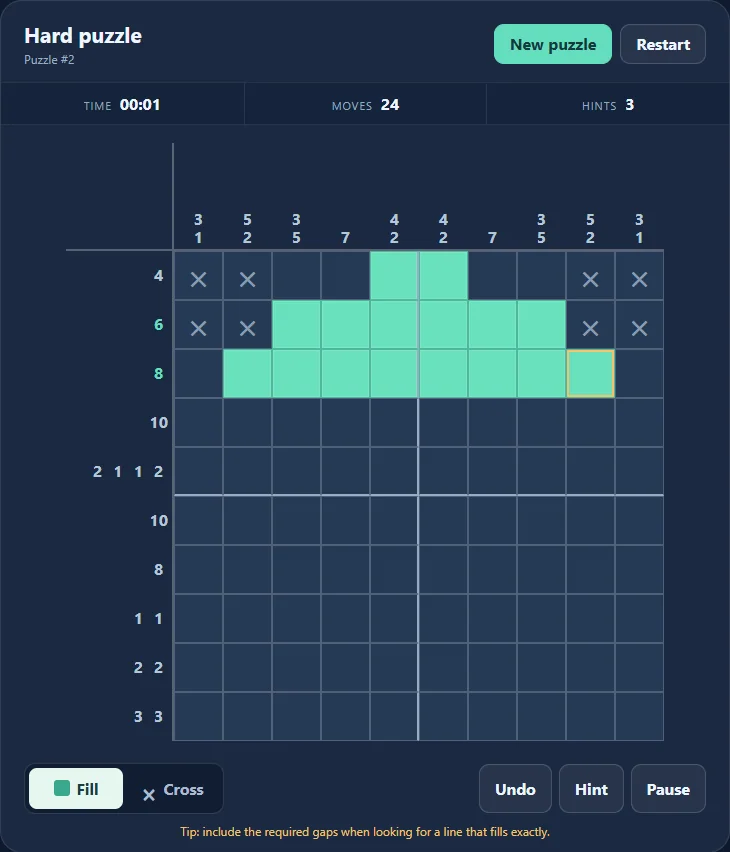
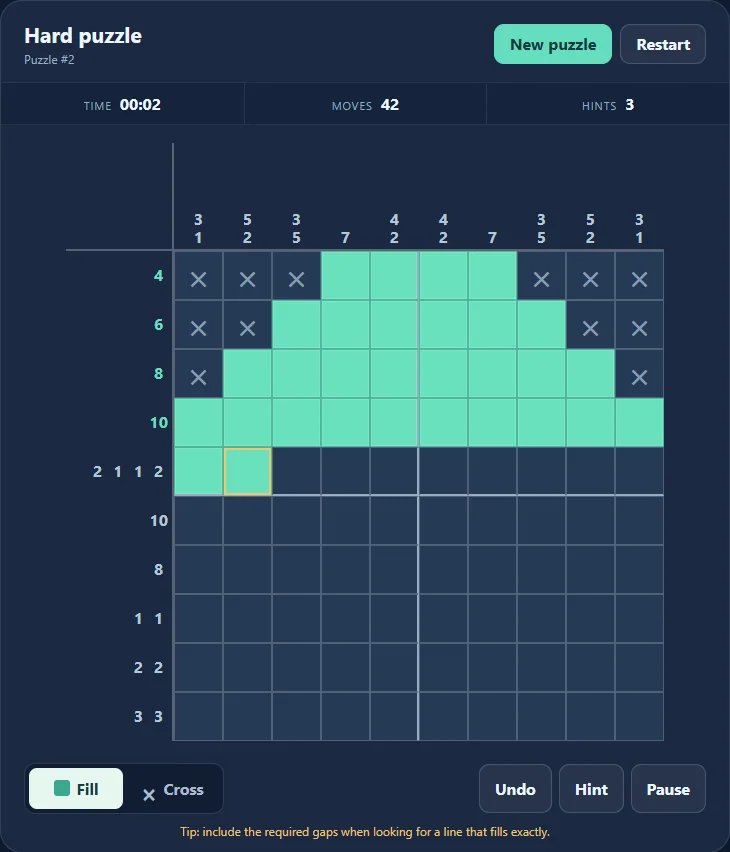
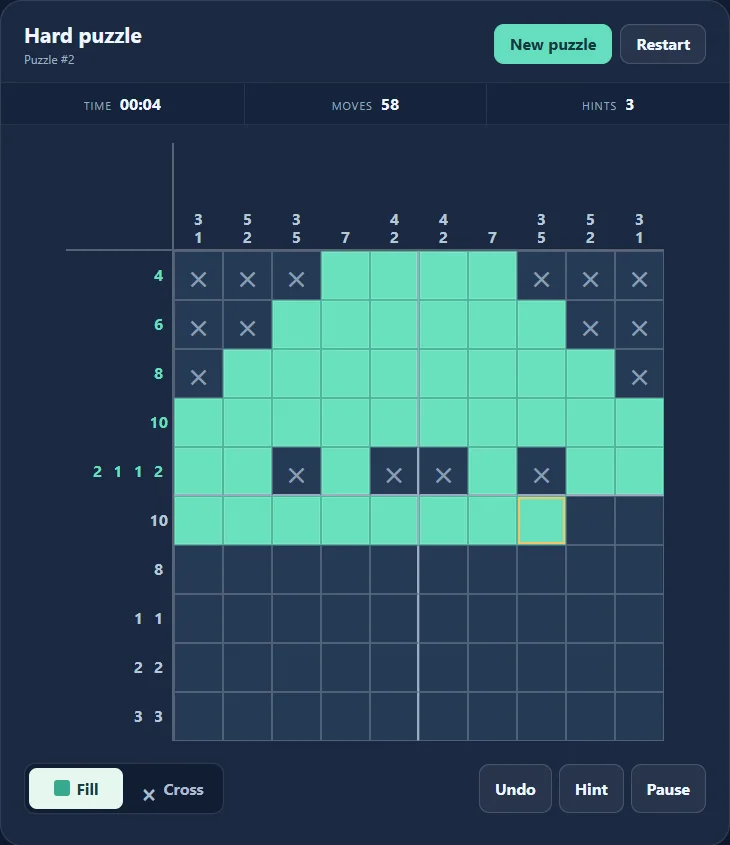
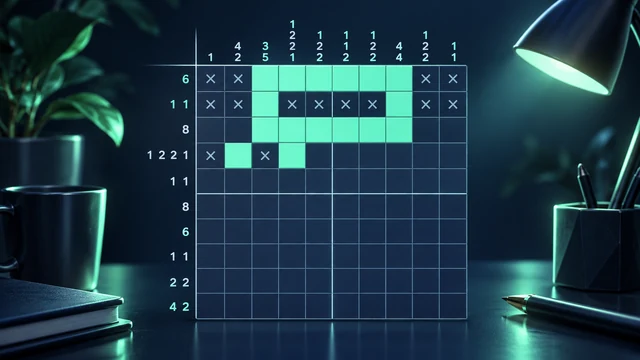
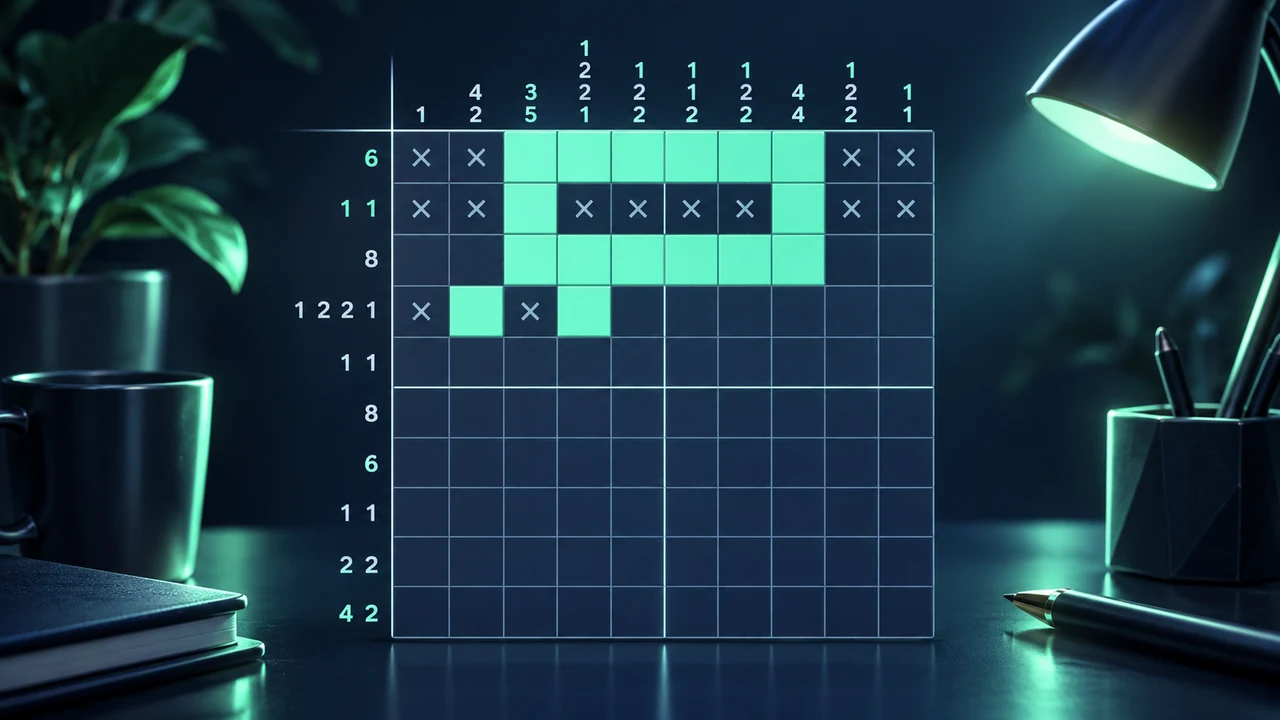
Nonogram Atelier gameplay screenshots