

Light Grid
- Developer
- Zarocer
- Published
- Oct 5, 2026
- Technology
- HTML5
- Devices
- PC, Mobile, Tablet
- Orientation
- Adaptive
- Players
- 1
About the game
A browser adaptation by Zarocer.
Turn every light off by toggling tiles and their neighboring lights. Play Starter, Classic or Expert grids, or the daily Classic challenge.
Controls
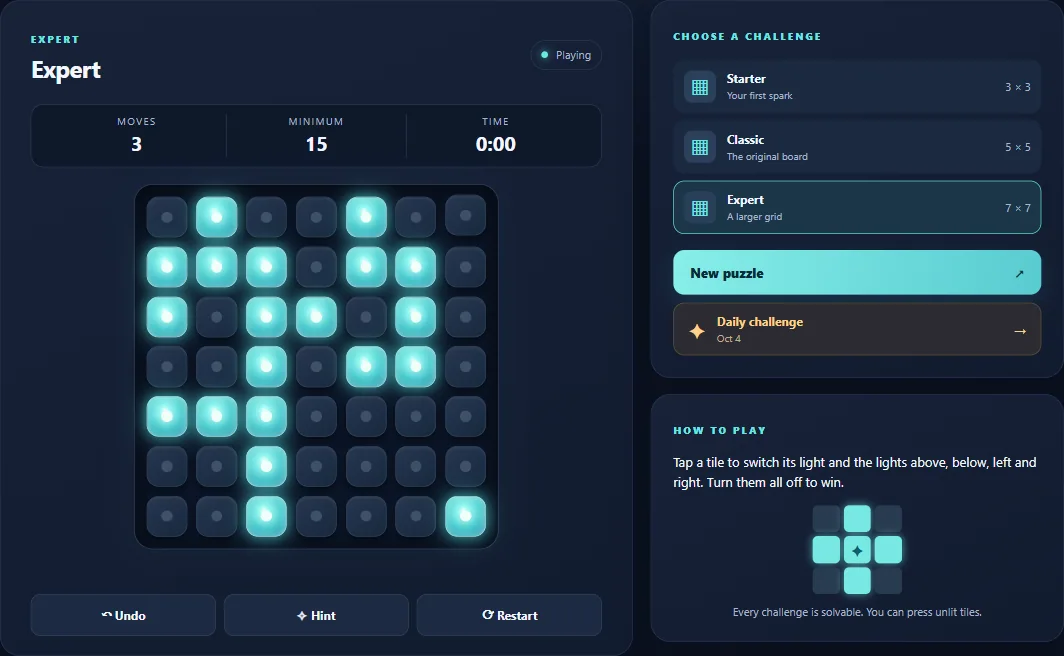
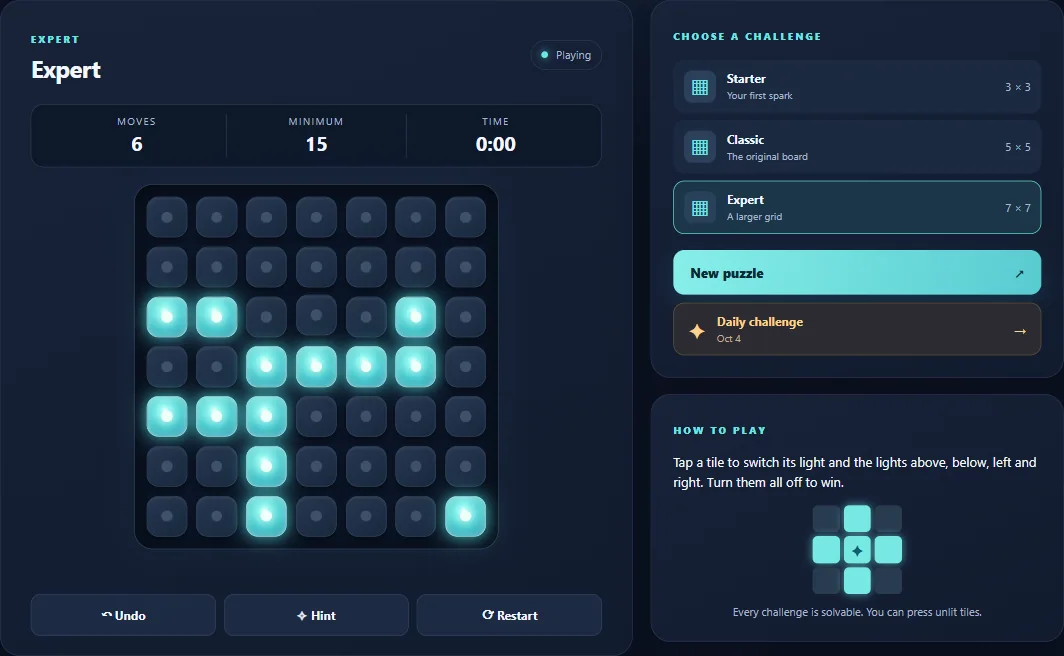
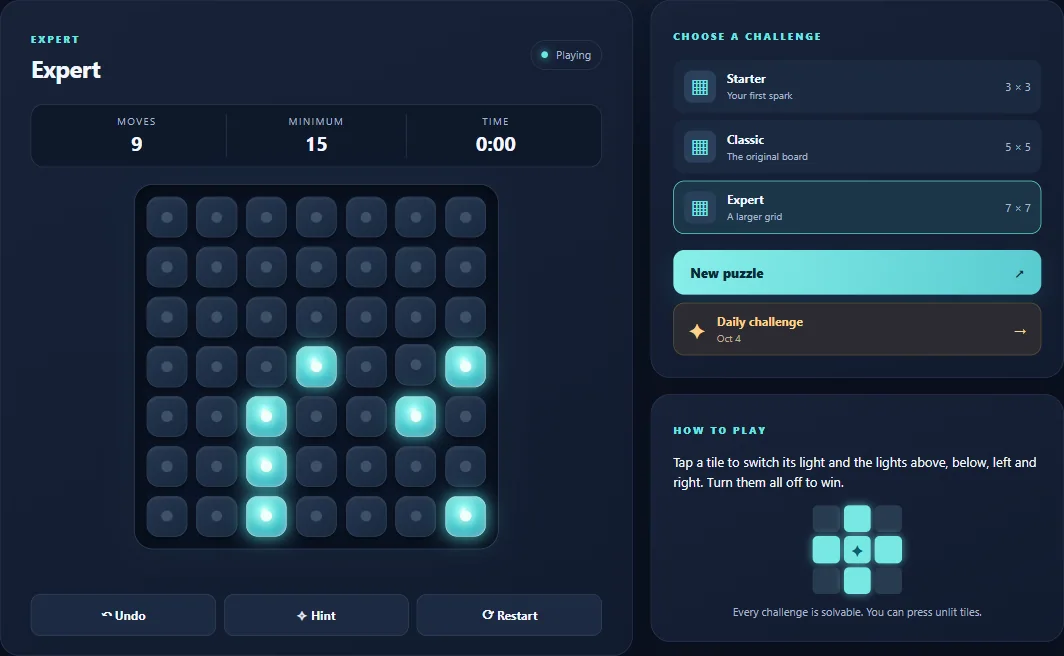
Click or tap to toggle a tile and its orthogonal neighbors. Arrow keys move focus. Z undoes and H suggests a press. Starter uses 3 × 3, Classic 5 × 5 and Expert 7 × 7.
A press changes a cross, not one light
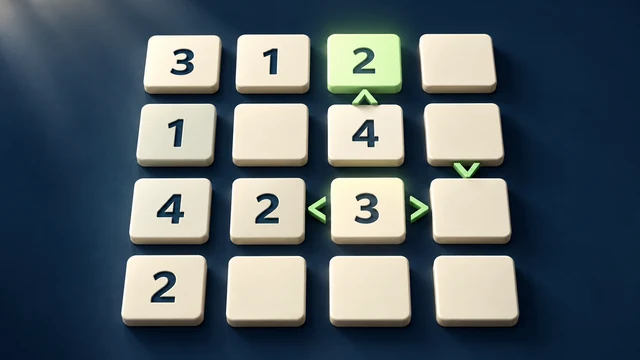
Pressing a tile toggles that tile and the neighbors immediately above, below, left and right when they exist. Diagonal tiles do not change. You may press a tile that is already dark: sometimes that is the move that switches off its lit neighbors.
Pressing the same tile twice cancels its own effect, because every affected light toggles twice. Look at the combined effect of a set of presses instead of repeatedly clicking whichever individual light is on. Undo helps you inspect an experiment without losing track of the previous board.
Practise a smaller system before expanding
Starter uses 3 × 3, Classic uses 5 × 5 and Expert uses 7 × 7. The daily challenge uses the Classic size. Start small enough to follow which cells each press changes; a larger board increases the number of interacting choices.
A native hint suggests a press from the current state. The displayed minimum describes the initial position, so do not treat it as a live estimate of every intermediate board. The active timer begins with the first press and pauses in the menu.
Save and continue
ZAROCER opens the game in English. Progress and records stay in this browser when storage is available. After a reload, use the native continuation or resume controls. Clearing site data can remove your save. Pause, Theater and Fullscreen keep the same game instance.
Light Grid gameplay screenshots