

Jigsaw Puzzle
- Developer
- Zarocer
- Published
- Oct 5, 2026
- Technology
- HTML5
- Devices
- PC, Mobile
- Orientation
- Adaptive
- Players
- 1
About the game
A browser adaptation by Zarocer.
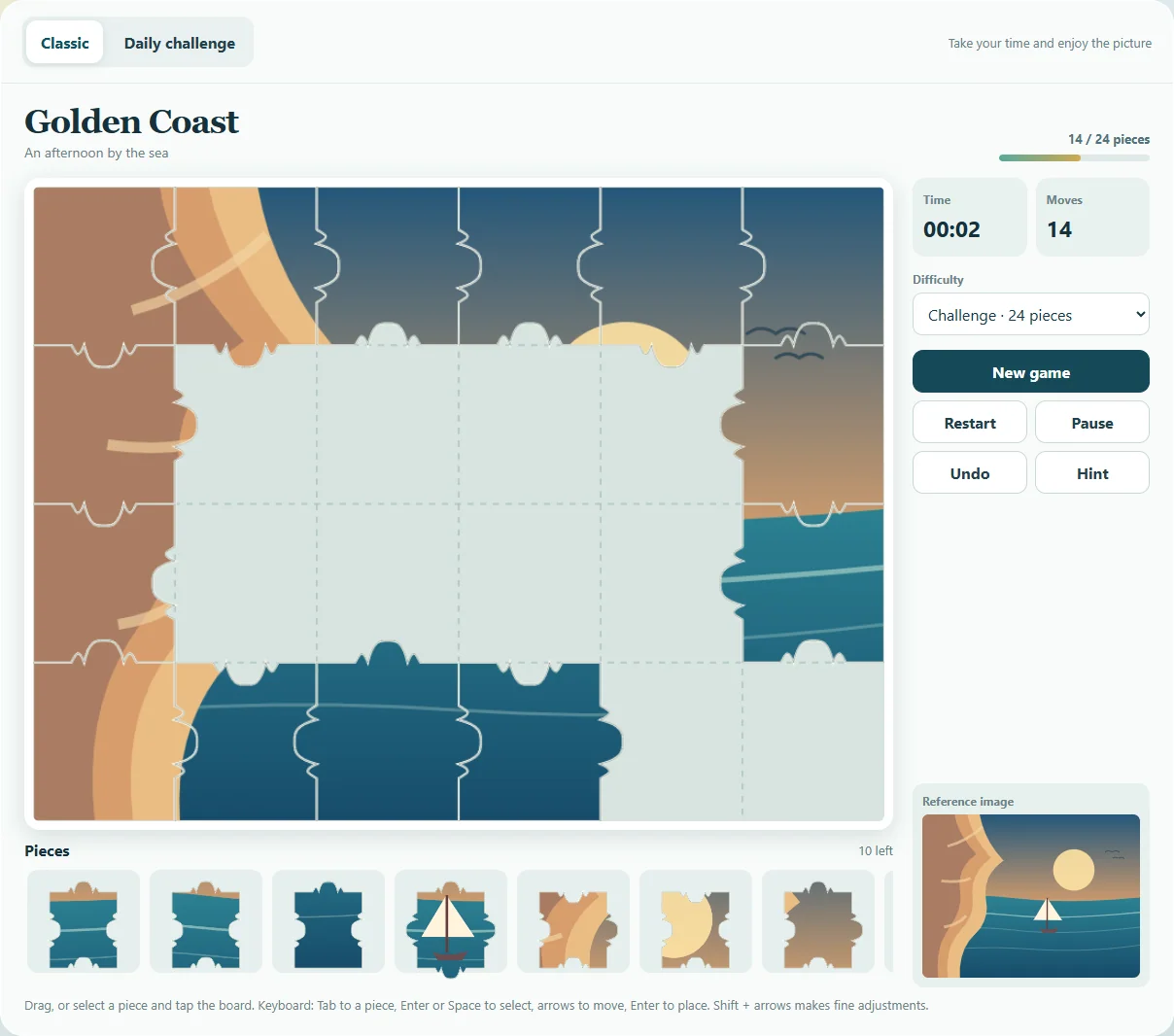
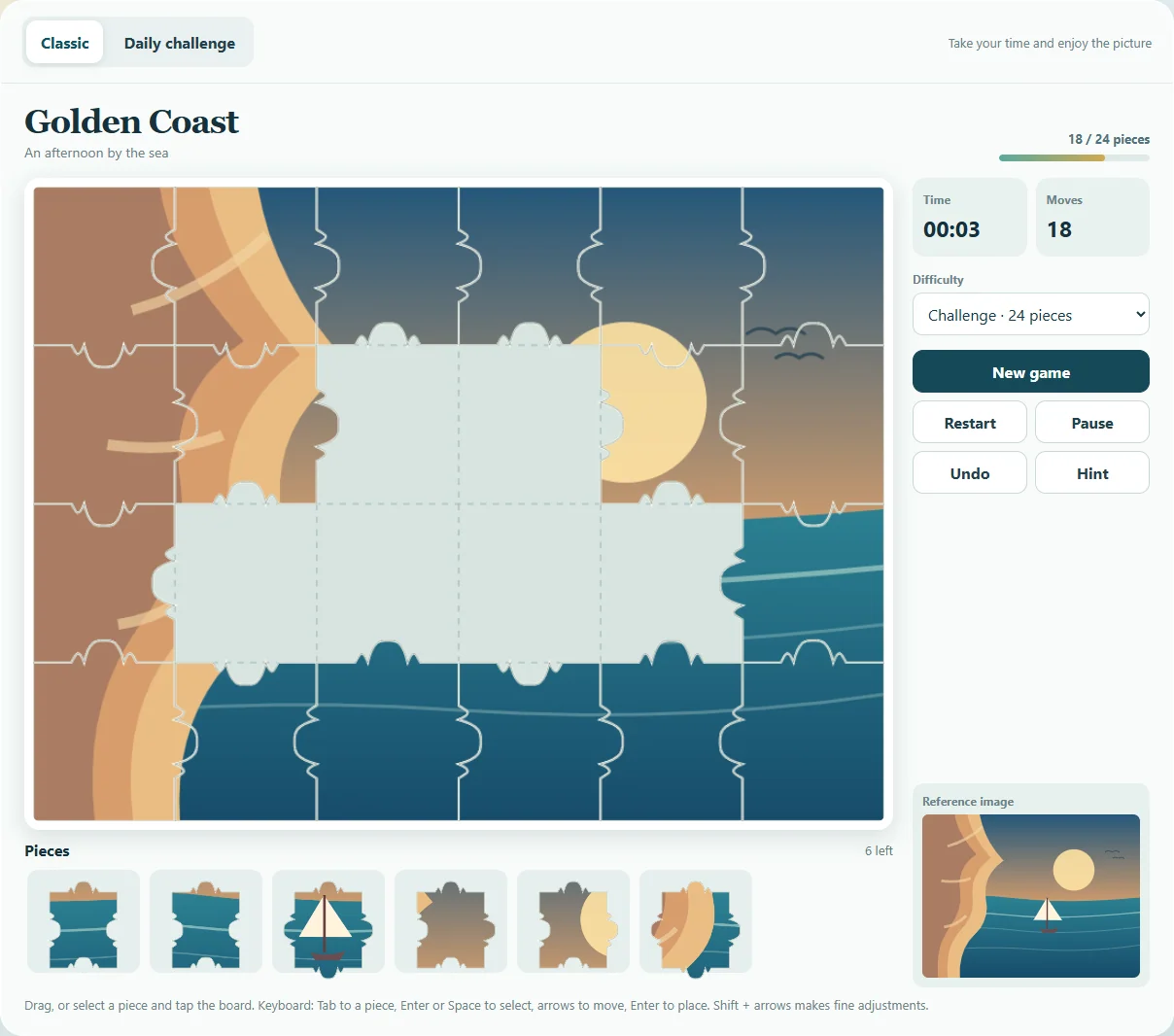
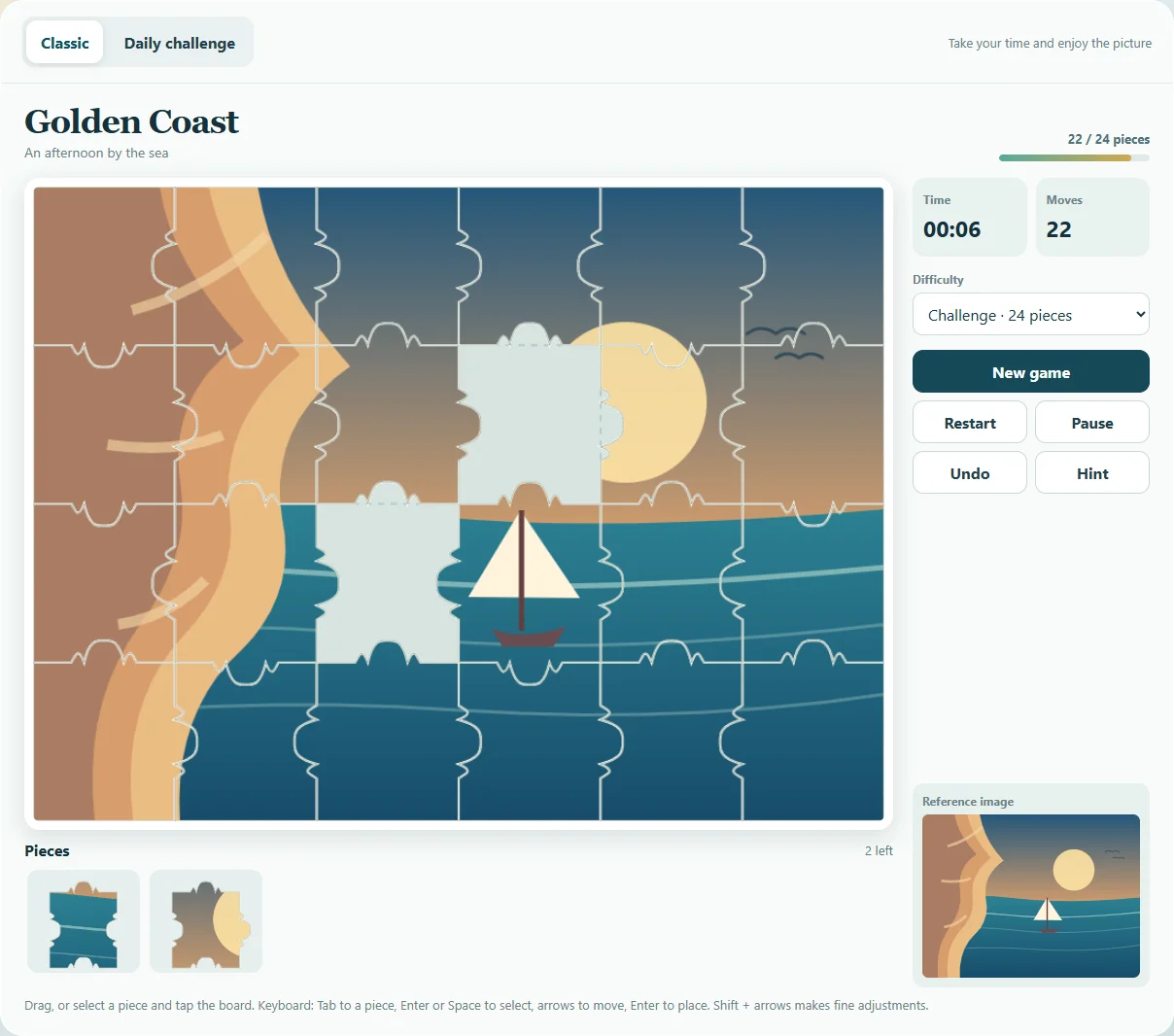
Choose a scene and fit the illustrated pieces into place. Play Classic or a daily puzzle, with a guide, edge filter, hints, keyboard placement and local saves.
Controls
Drag a piece or select it and tap the board. Keyboard: Tab, Enter/Space, arrows and Enter; Shift for fine adjustments.
Build a frame before sorting the interior
The edge filter narrows the tray to pieces with a flat outer edge. Corners have two flat edges and make useful starting points. Once the frame is placed, compare landmarks and color transitions against the reference image rather than trying every piece in every space.
Classic offers 6, 12, 24 or 48 pieces. The UTC daily puzzle uses the 12-piece layout. You can drag a piece or select it and place it on the board; keyboard placement includes fine adjustment with Shift. The guide is a faint reference beneath the pieces, while a hint highlights where the selected piece belongs.
How to play
Choose a scene and difficulty, then place each piece near its correct position. Check the reference image or use a hint.
Modes and local progress
Put together original illustrated landscapes at your own pace. Start with six pieces or work up to 48, with a reference image and a daily puzzle.
ZAROCER opens this build in English. Progress and records stay in this browser when storage is available. Use native continuation controls after reloading. Clearing site data can remove saves. Pause, Theater and Fullscreen preserve one game instance.
Jigsaw Puzzle gameplay screenshots