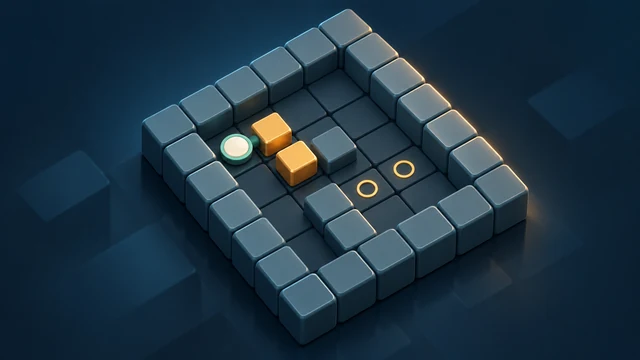

Box Pusher
- Developer
- Zarocer
- Published
- Oct 5, 2026
- Technology
- HTML5
- Devices
- PC, Mobile, Tablet
- Orientation
- Adaptive
- Players
- 1
About the game
A browser adaptation by Zarocer.
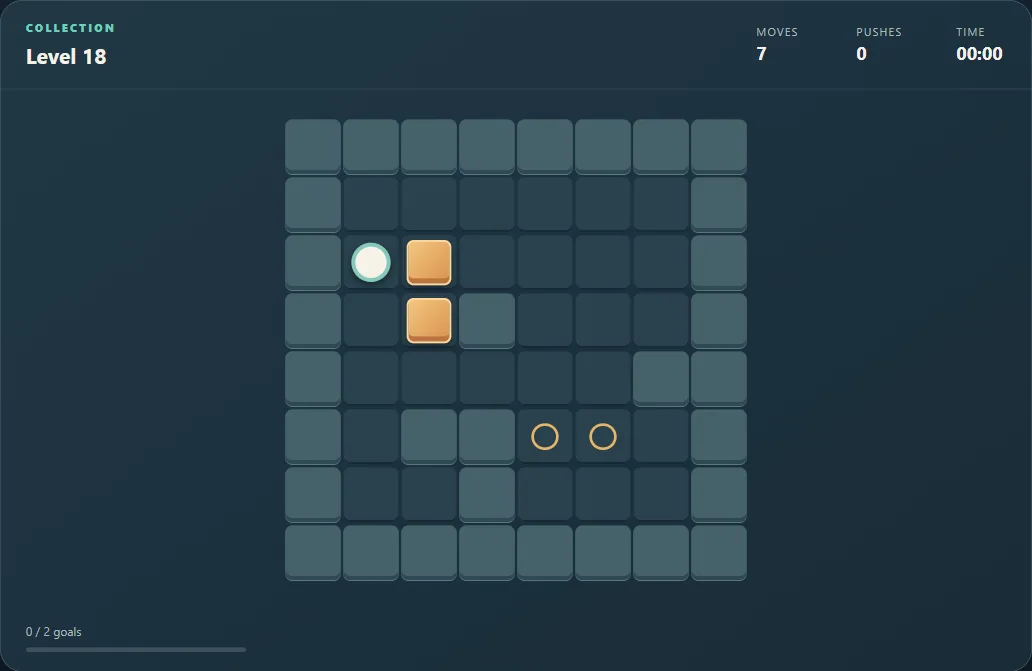
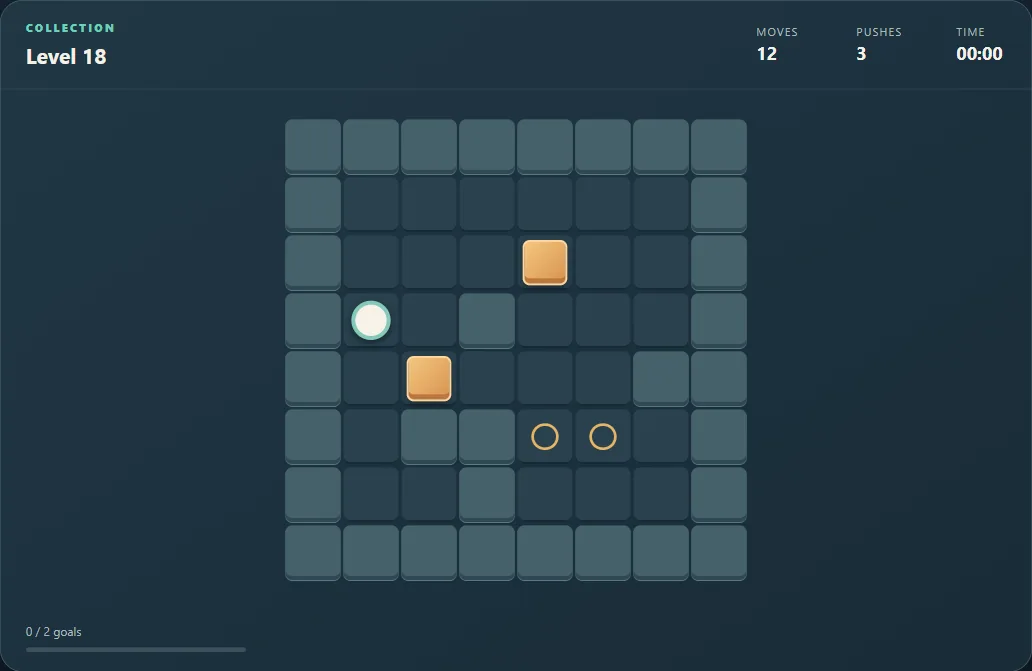
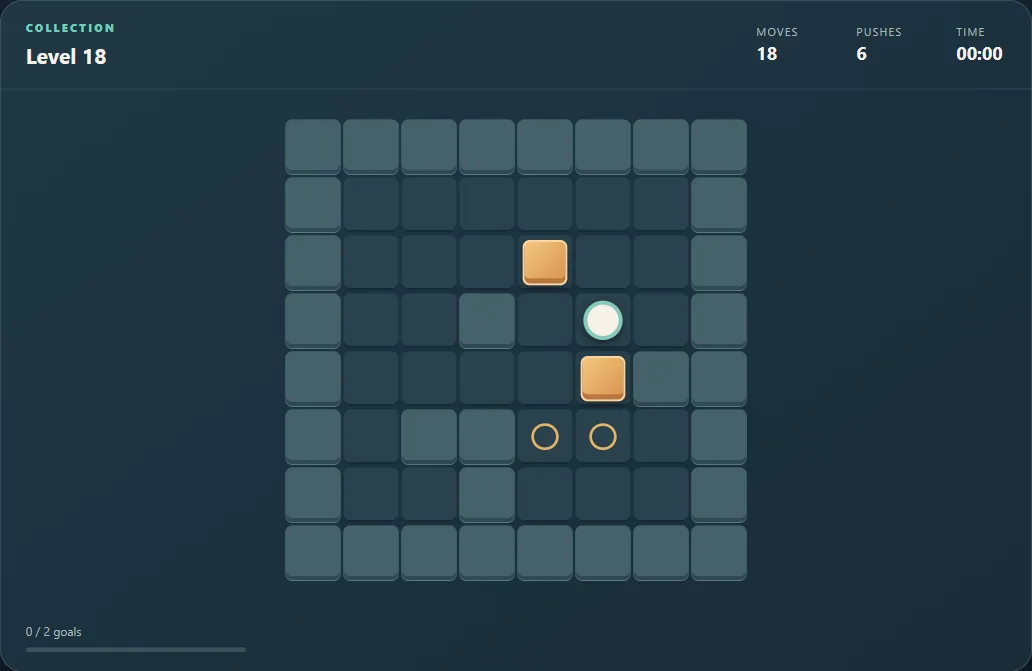
Push every crate onto a goal in Box Pusher. Plan around walls and corners, continue unlocked puzzles or tackle the daily level.
Controls
Move with the arrow keys, WASD or the on-screen directional controls. Push crates one at a time; you cannot pull them. Z undoes a move and H requests a native directional hint.
Plan where you will stand after the push
A crate moves only when you can stand behind it and push into a free square. You cannot pull it back. Before moving a crate, trace both its path to a goal and the walking route you will need to reach its next pushing side.
A corner without a goal is a dead end: once a crate enters it, neither wall leaves room for the player to stand behind the crate and push it out. A crate against a wall can also become stranded if no goal lies along an accessible path. Inspect these traps before making the first push.
Separate a blocked route from a wrong push
If a goal seems reachable but your player cannot get behind the crate, work backward from the final push. Which side must you stand on, and which other crate blocks that approach? Completing a nearby goal too early can obstruct a route needed later.
Undo revisits a push without requiring a new level. The native hint suggests a direction; it is not a promise that every visible move is useful. Use the unlocked puzzles to practise planning, or select the daily level when you want the game’s daily option.
Save and continue
ZAROCER opens this build in English. Saved progress and records stay in this browser when storage is available. Use the native continuation controls after reloading. Clearing site data can remove saves. The portal’s Pause, Theater and Fullscreen controls preserve one game instance.
Box Pusher gameplay screenshots