

Mosaic Trio
- Developer
- Zarocer
- Published
- Oct 5, 2026
- Technology
- HTML5
- Devices
- PC, Mobile
- Orientation
- Adaptive
- Players
- 1
About the game
A browser adaptation by Zarocer.
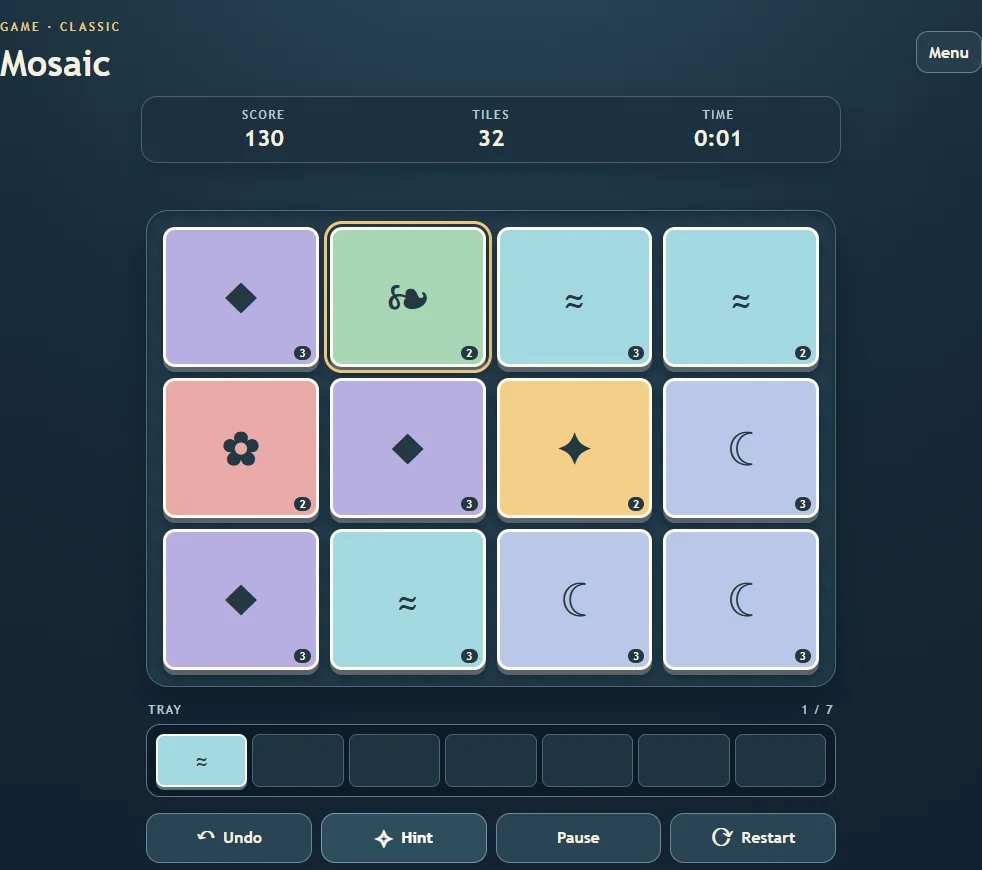
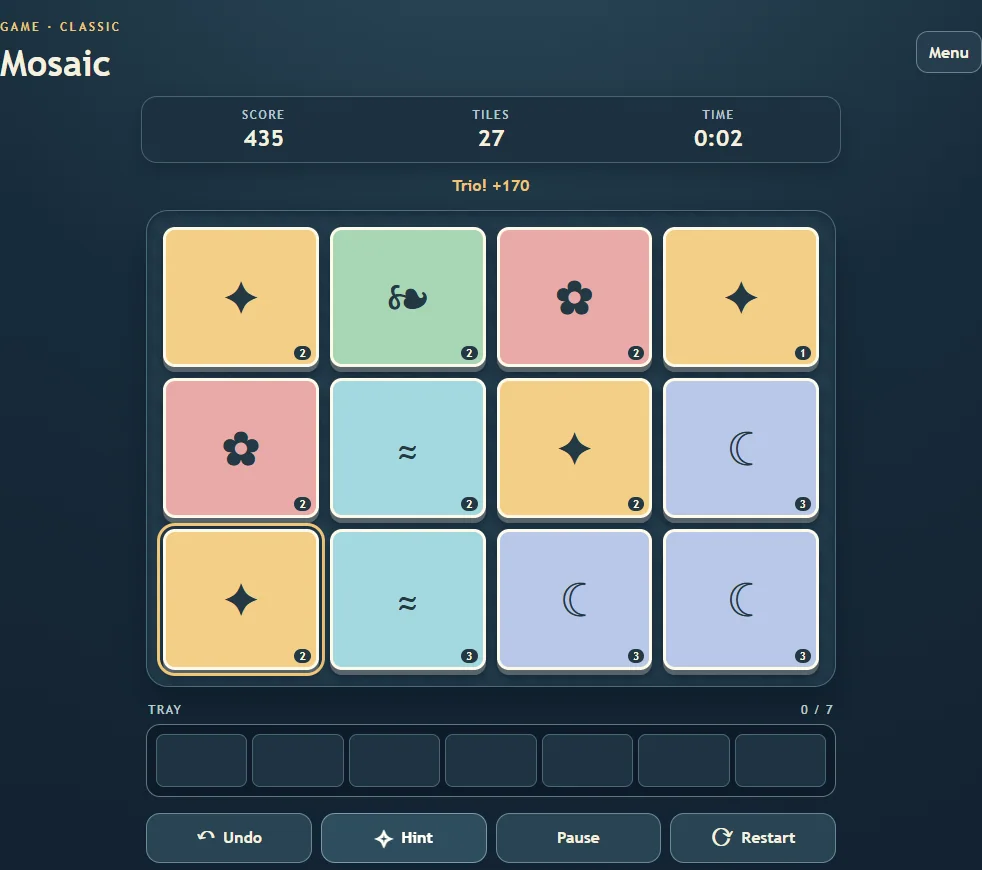
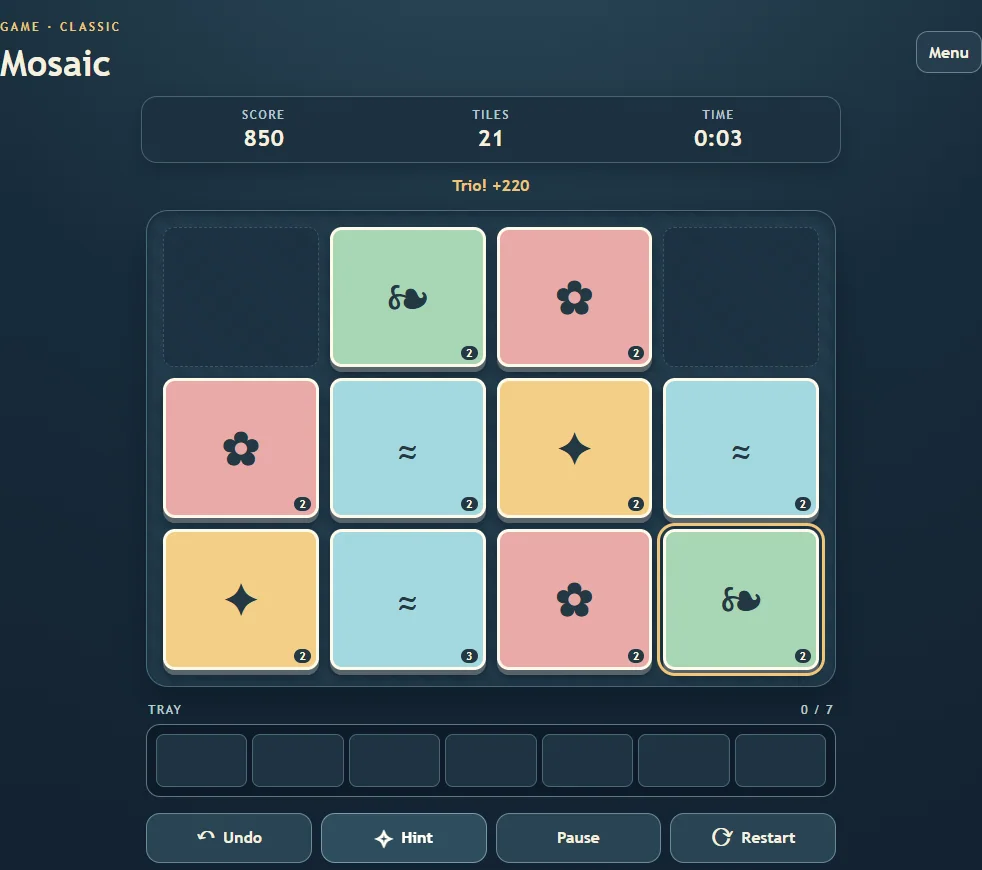
Pick visible tiles and collect three matching symbols to clear space in the tray. Clear every stack before the tray fills, or play the daily board.
Controls
Click the exposed tile on a stack. Three matching tiles leave the tray. Undo reverses a move and Hint highlights a visible tile. Z, H and P provide keyboard shortcuts.
Manage the tray before opening another symbol
Only the top tile of each stack is available. Picking it can reveal the next tile in that stack, while the selected tile enters your tray. Three matching symbols leave the tray together. Look for a way to complete a pair already waiting there before introducing a new symbol.
The difficulties change both the board and the space for mistakes. Relaxed uses nine stacks and an eight-slot tray; Classic uses twelve stacks and seven slots; Expert uses fifteen stacks and six slots. A move that completes a trio frees space before the game checks whether the tray is full.
Undo and the daily mosaic
A full tray ends the attempt, but the native Undo control can return to the previous position so you can explore another choice. Undo does not rewind the elapsed time. Hint searches for a usable continuation; if it cannot provide one, try undoing rather than assuming every suggested path is available.
This game’s daily puzzle follows the local date on your device. It does not use the UTC date used by several other Zarocer games. The board can be replayed after completion, and the statistics remain local to this browser.
Save and continue
ZAROCER opens the game in English. Progress and records stay in this browser when storage is available. After a reload, use the native continuation or resume controls. Clearing site data can remove your save. Pause, Theater and Fullscreen keep the same game instance.
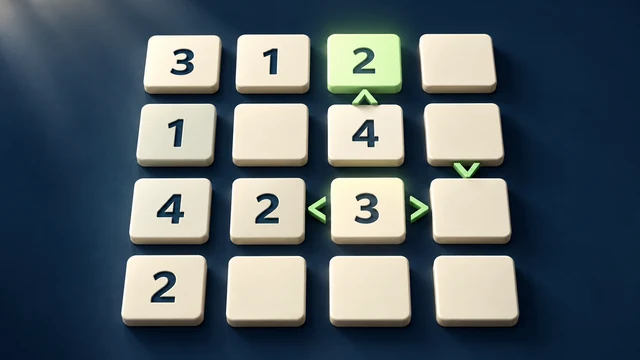
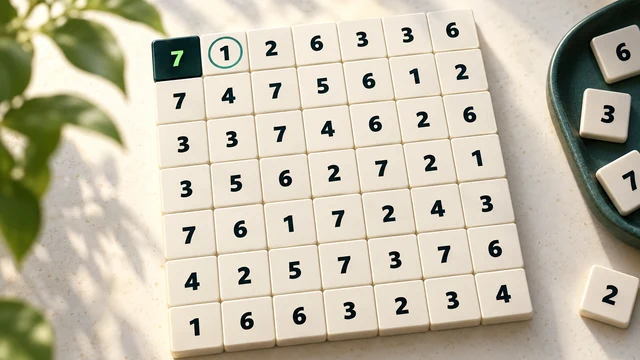
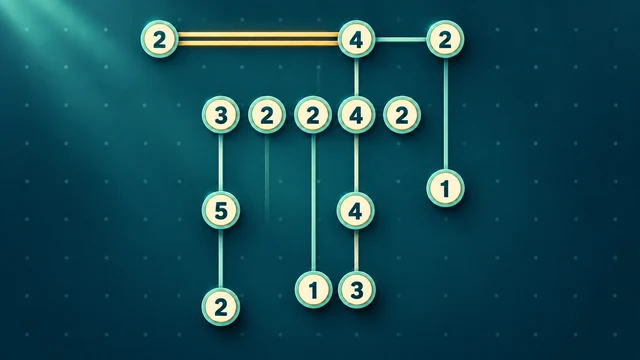
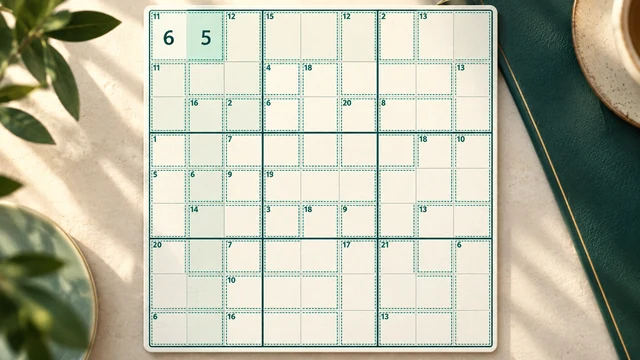
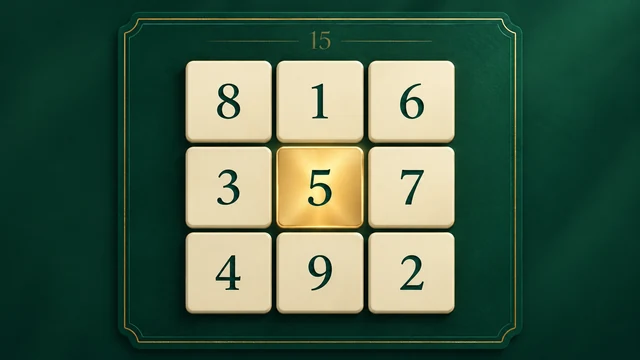
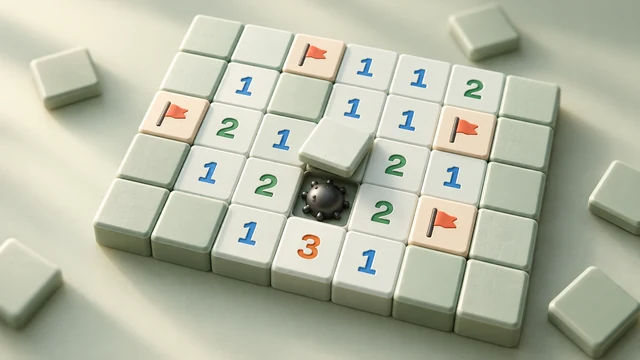
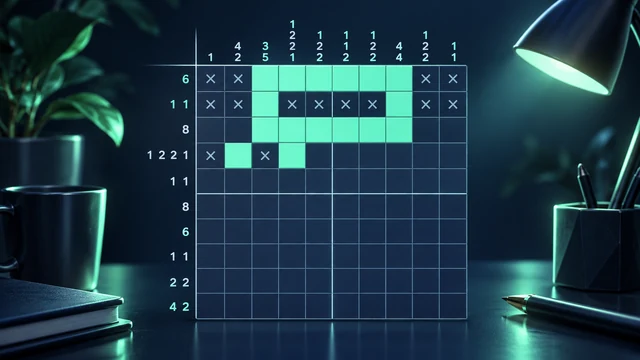
Mosaic Trio gameplay screenshots