

Lumen Pairs
- Developer
- Zarocer
- Published
- Oct 5, 2026
- Technology
- HTML5
- Devices
- PC, Mobile
- Orientation
- Adaptive
- Players
- 1
About the game
A browser adaptation by Zarocer.
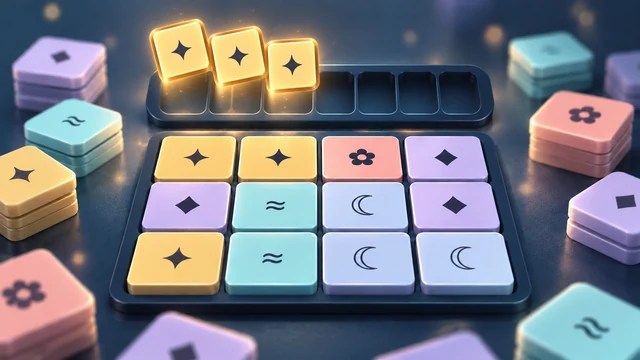
Turn over cards and remember matching symbols in Lumen Pairs. Choose six, ten or fifteen pairs, or play the daily ten-pair board.
Controls
Click or tap two face-down cards to find a pair. Use Tab to focus a card and Enter or Space to flip it.
Remember positions, not just symbols
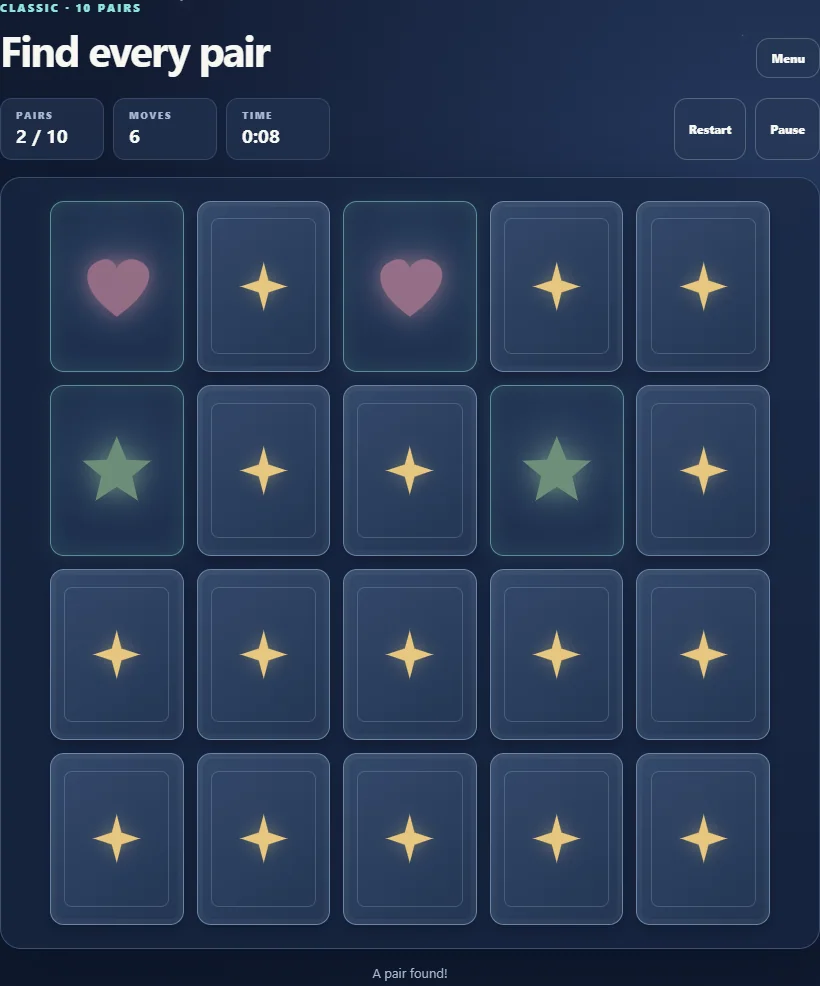
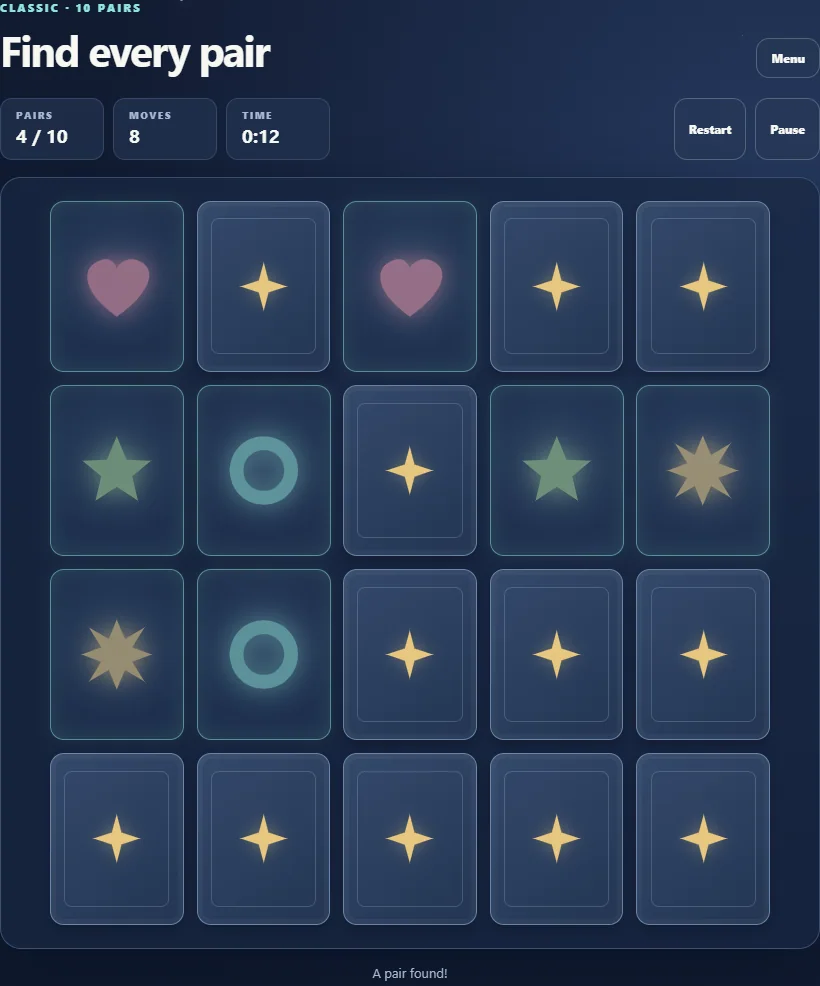
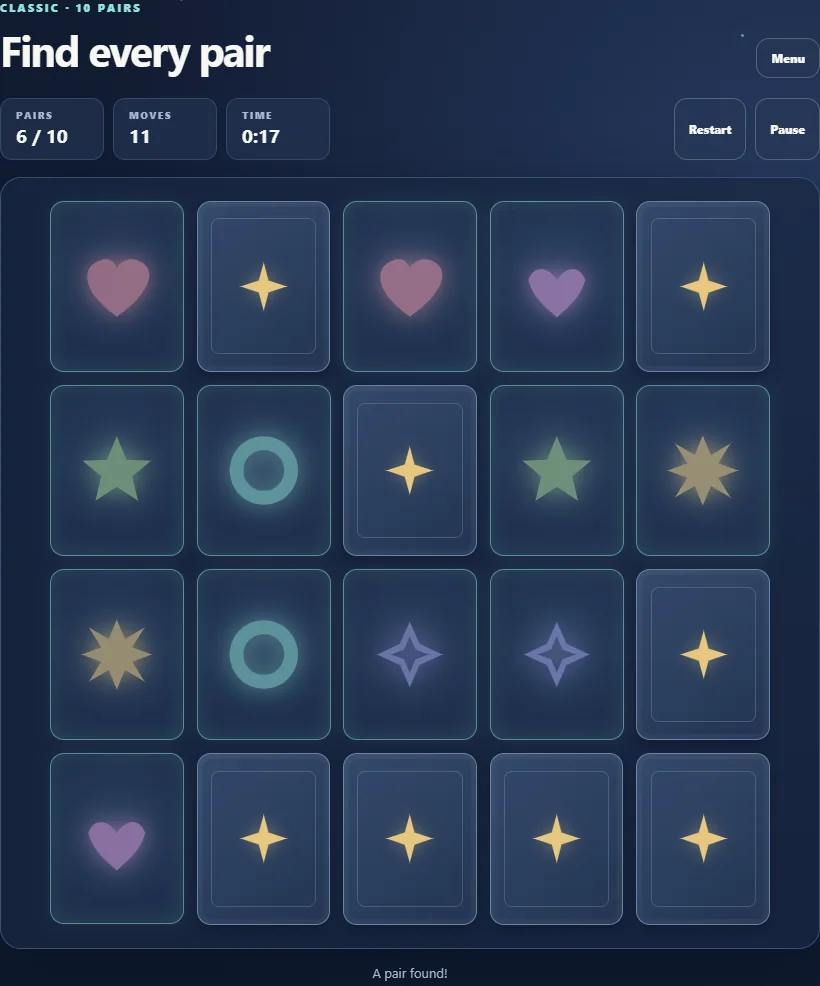
A move is one attempt with two cards. If the symbols match, both stay revealed; otherwise they turn back after a short delay. Remember the position of each unmatched symbol so that seeing its partner later can turn a guess into a known match.
For example, if a moon was behind one card and the next attempt reveals another moon, remember both positions after the mismatch closes. Return to that pair on your next attempt instead of repeatedly reopening a card whose partner is still unknown. Matched cards no longer need to be selected.
Choose a board and compare your own attempts
Easy contains six pairs, Classic ten and Expert fifteen. Daily also contains ten pairs and uses your device’s local calendar date. Larger boards demand remembering more locations; they do not add a different matching rule.
The game counts attempts and elapsed time separately. Personal bests use the fewest moves for each mode, so waiting less is not the same as matching more accurately. Continue restores valid unfinished progress in this browser; clearing site data can remove it.
Remember the matching symbols
Turn over two cards. Matching symbols stay face up; a mismatch returns face down after a short delay. Remember what you saw and clear every pair to complete the board. The move counter records your attempts.
Modes and controls
Easy has six pairs, Classic and Daily have ten, and Expert has fifteen. Click or tap a card, or activate a focused card with the keyboard. The daily board follows the game’s local calendar date.
Continue in this browser
ZAROCER opens the build in English. Unfinished progress and personal records stay in this browser when storage is available. Use the native continuation controls after a reload. Clearing site data can remove your save. The portal offers Pause, Theater and Fullscreen without starting a separate game instance.
Lumen Pairs gameplay screenshots