
About the game
A browser adaptation by Zarocer.
Play Klondike with one-card or three-card draws. Build alternating-color columns, reveal face-down cards and move each suit from ace to king into its foundation. The build includes hints, undo, local saves and a daily deal.
Controls
Click, tap, or drag cards to move them. Double click a card to send it to a foundation when legal. Keyboard: Tab, Enter or Space; N new game, Z undo, H hint
Build the four foundations
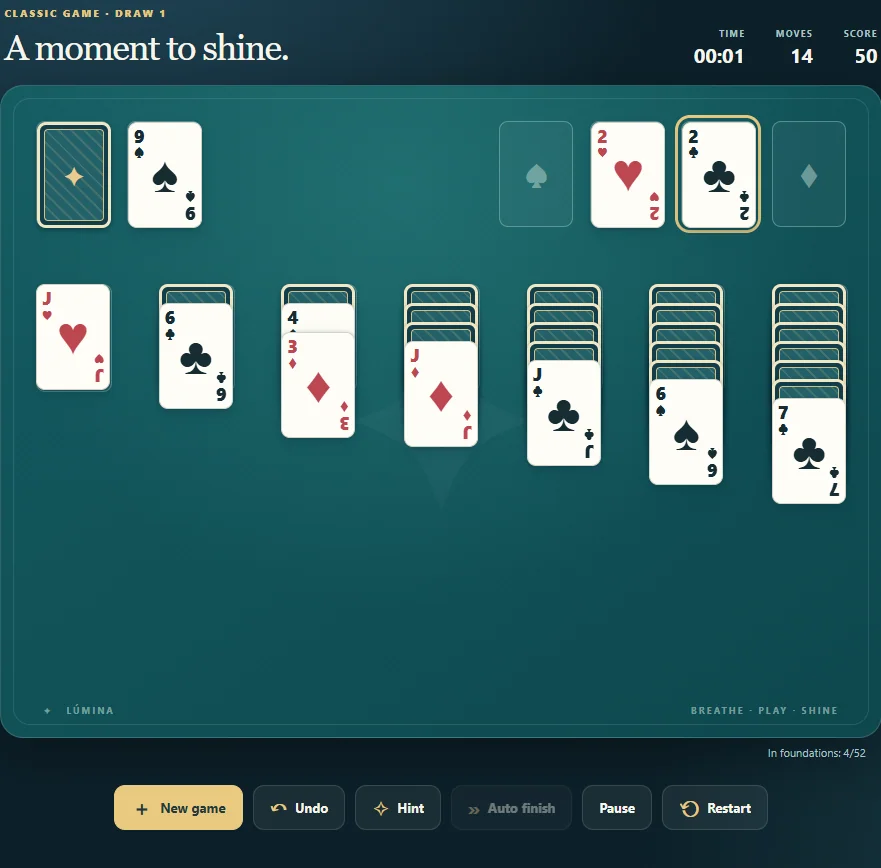
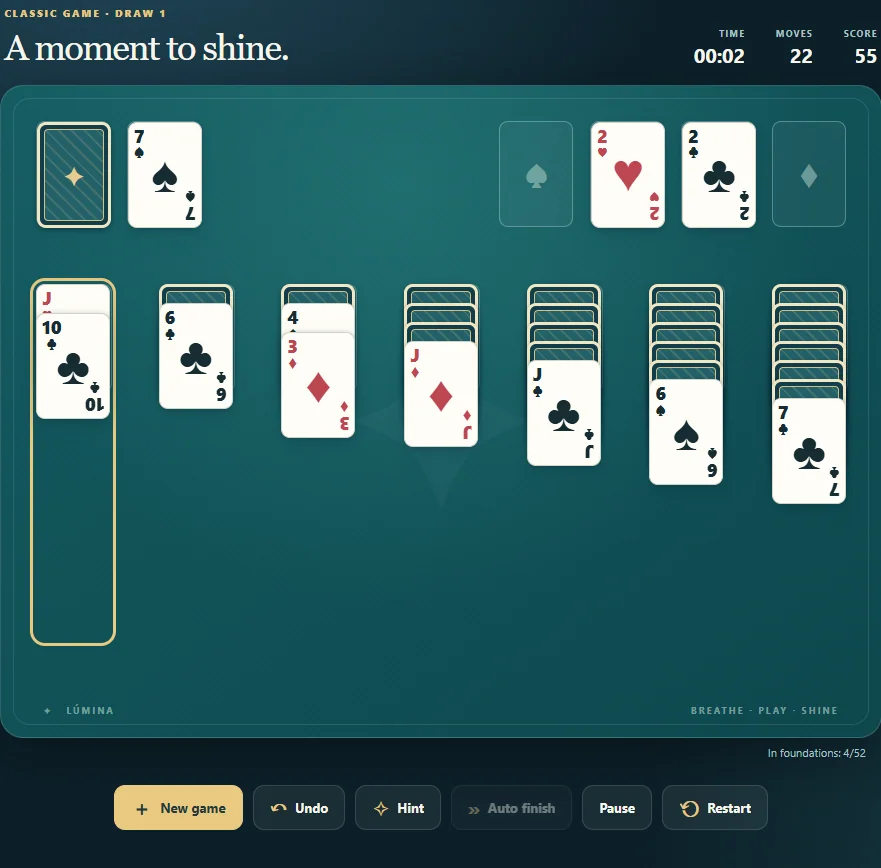
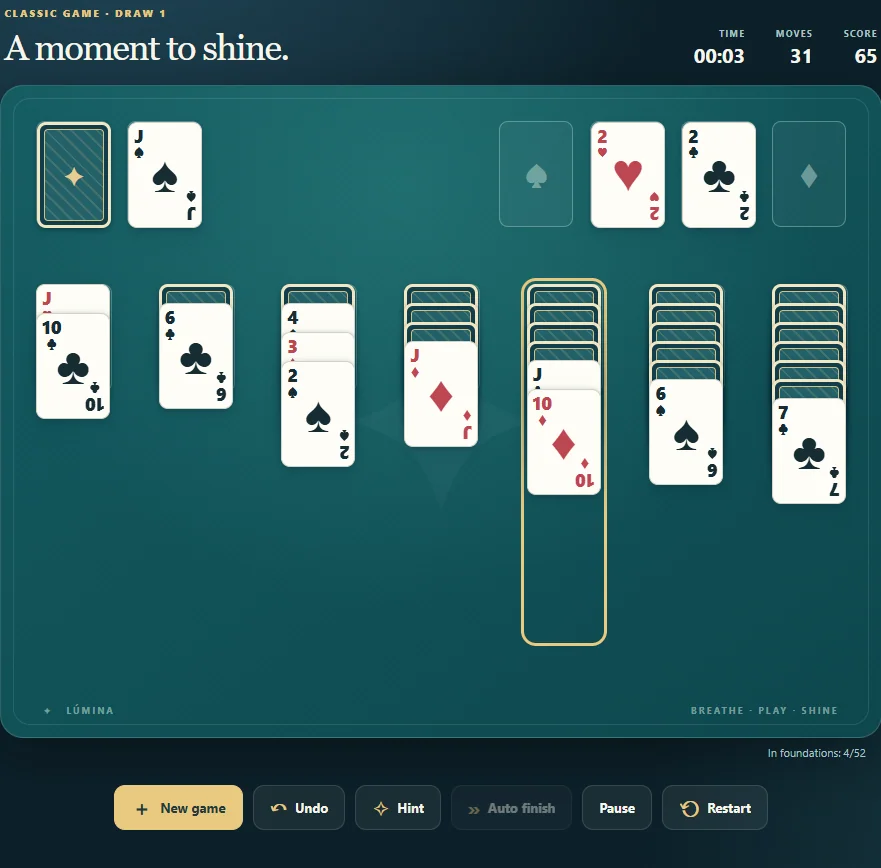
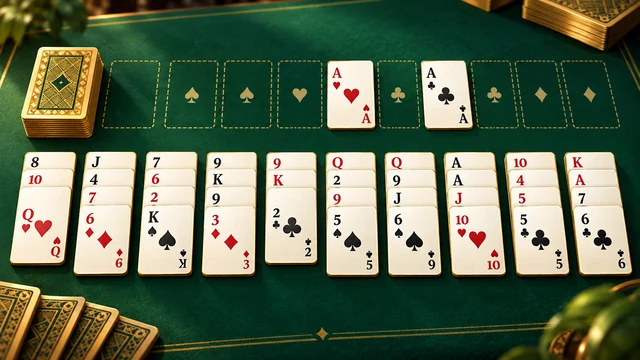
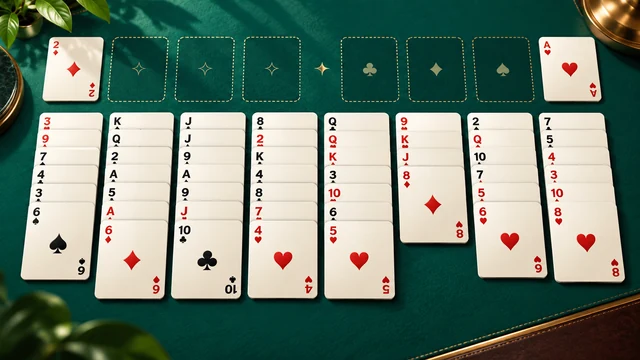
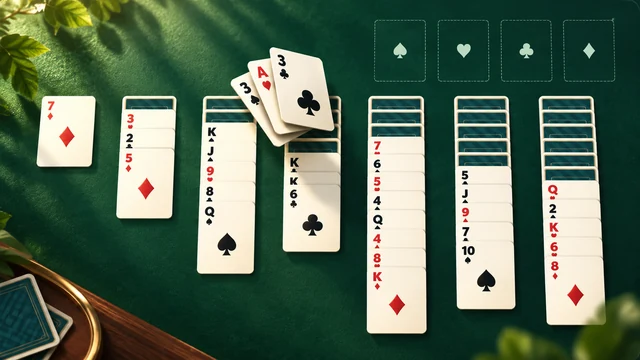
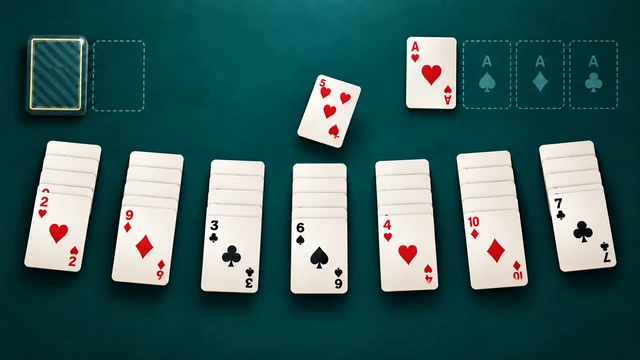
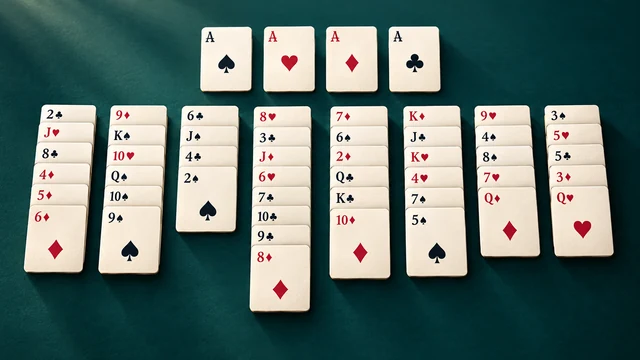
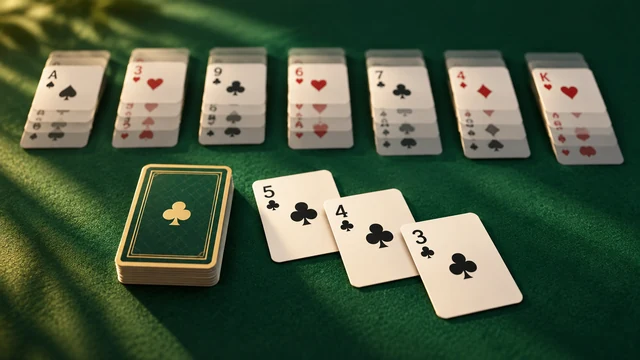
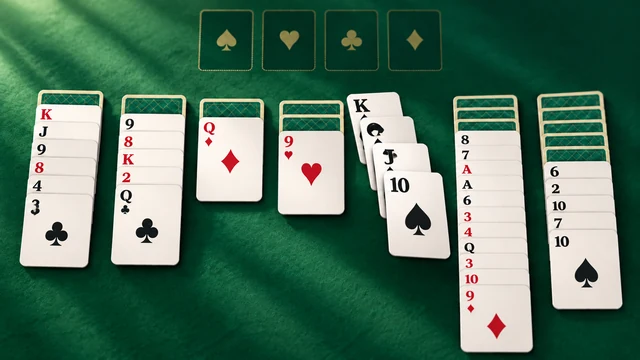
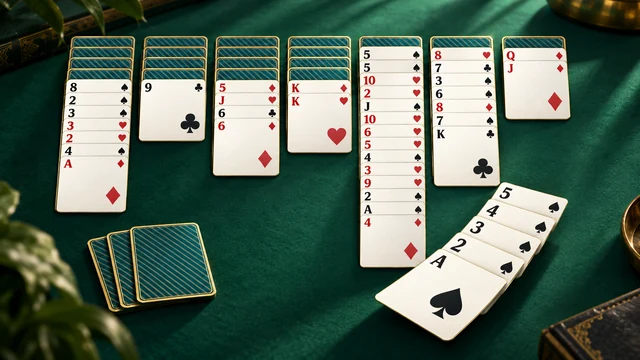
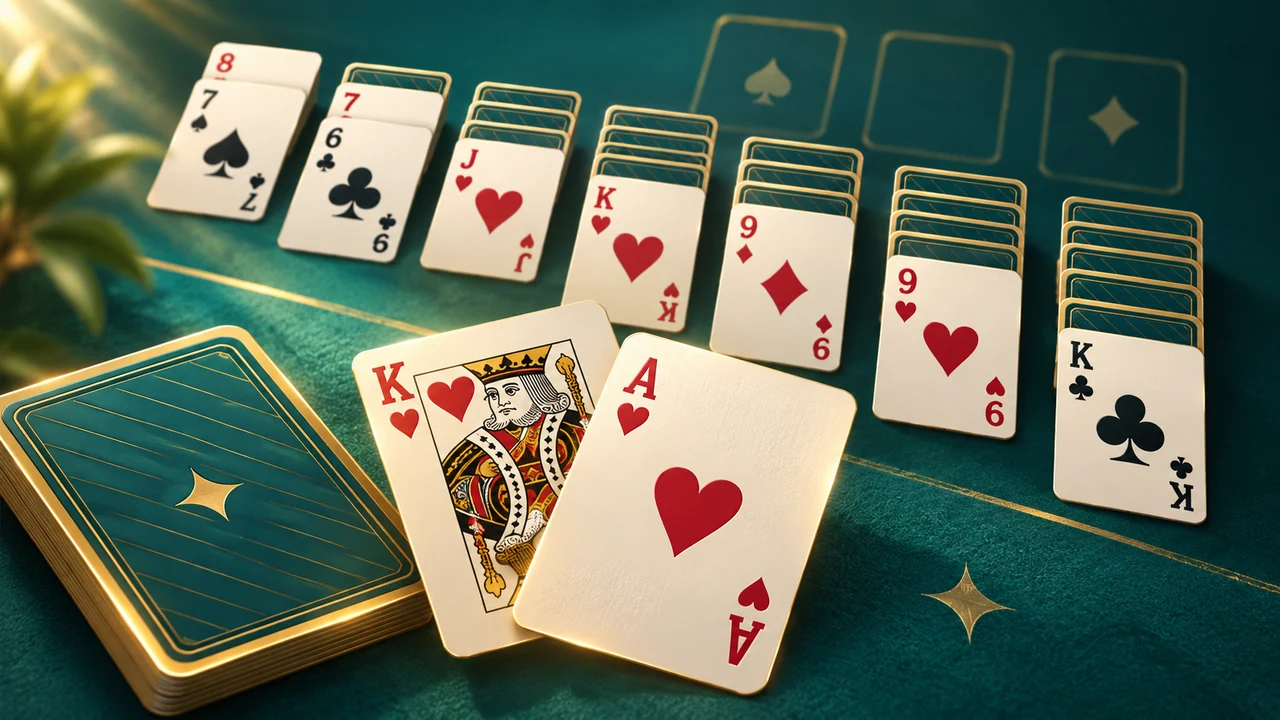
Klondike uses seven tableau columns and four foundations. Build a foundation upward within one suit, beginning with its ace and finishing with its king. In the tableau, place a card on one that is one rank higher and of the opposite color. Moving an exposed sequence can uncover a face-down card beneath it, opening more possible moves.
An empty tableau column is a place for a king or a valid sequence headed by one. The stock supplies cards when the tableau has no useful move. Choose draw one or draw three in the game's options. In draw three, the exposed waste card is the available choice; the group is not a set of three freely selectable cards. The aim is to transfer the full deck to the four foundations.
Use the table's controls
Click, tap or drag a playable card toward a legal destination. Double-click can send a suitable card to a foundation. Keyboard users can focus cards and available piles with Tab, then use Enter or Space. The build also provides N for a new game, Z for Undo and H for Hint. The game's own controls remain available inside the iframe.
Hints can help you find a legal move, but they do not guarantee that the deal can be won. Before taking a suggestion, look at whether the move uncovers a hidden card or frees a useful column. Undo lets you revisit a choice in the current round. Starting a new active deal requires confirmation so that an accidental action does not silently replace your table.
Daily deals and local continuation
The daily option selects the build's dated deal. It is a different way to choose a game, not a live match against another visitor. The source build keeps daily results and personal achievements locally. There is no account that automatically synchronizes them with another device, and a result recorded on another domain does not become a ZAROCER result by itself.
The table saves its cards and progress in this browser. Reloading can restore a valid saved game, including information needed for Undo. Pause when you need to leave the table; the clock excludes paused play and the build's dialogs. The portal adapter also stops automatic play when a portal dialog opens. Clearing site data or using a different browser can remove the saved table and records.
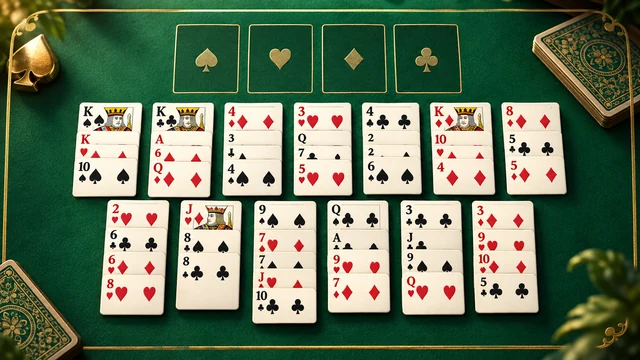
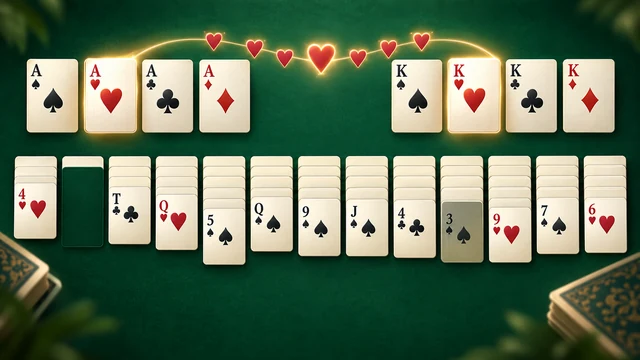
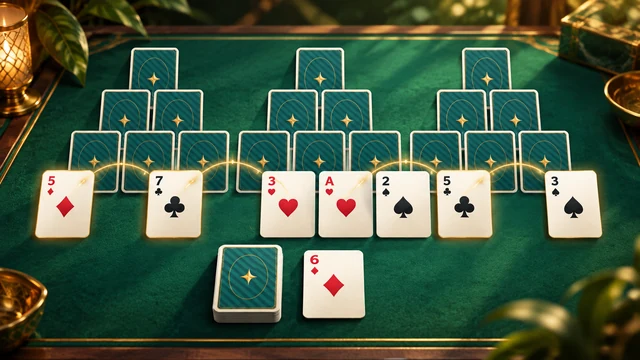
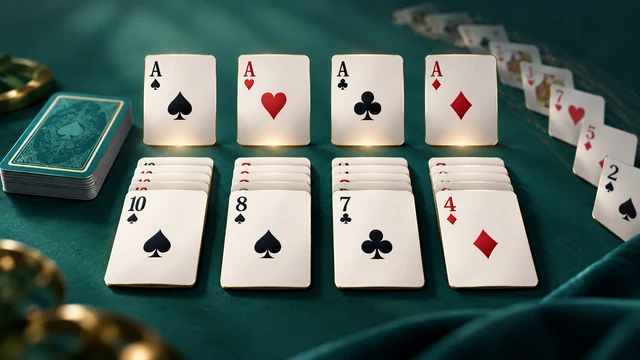
Lúmina Solitaire gameplay screenshots